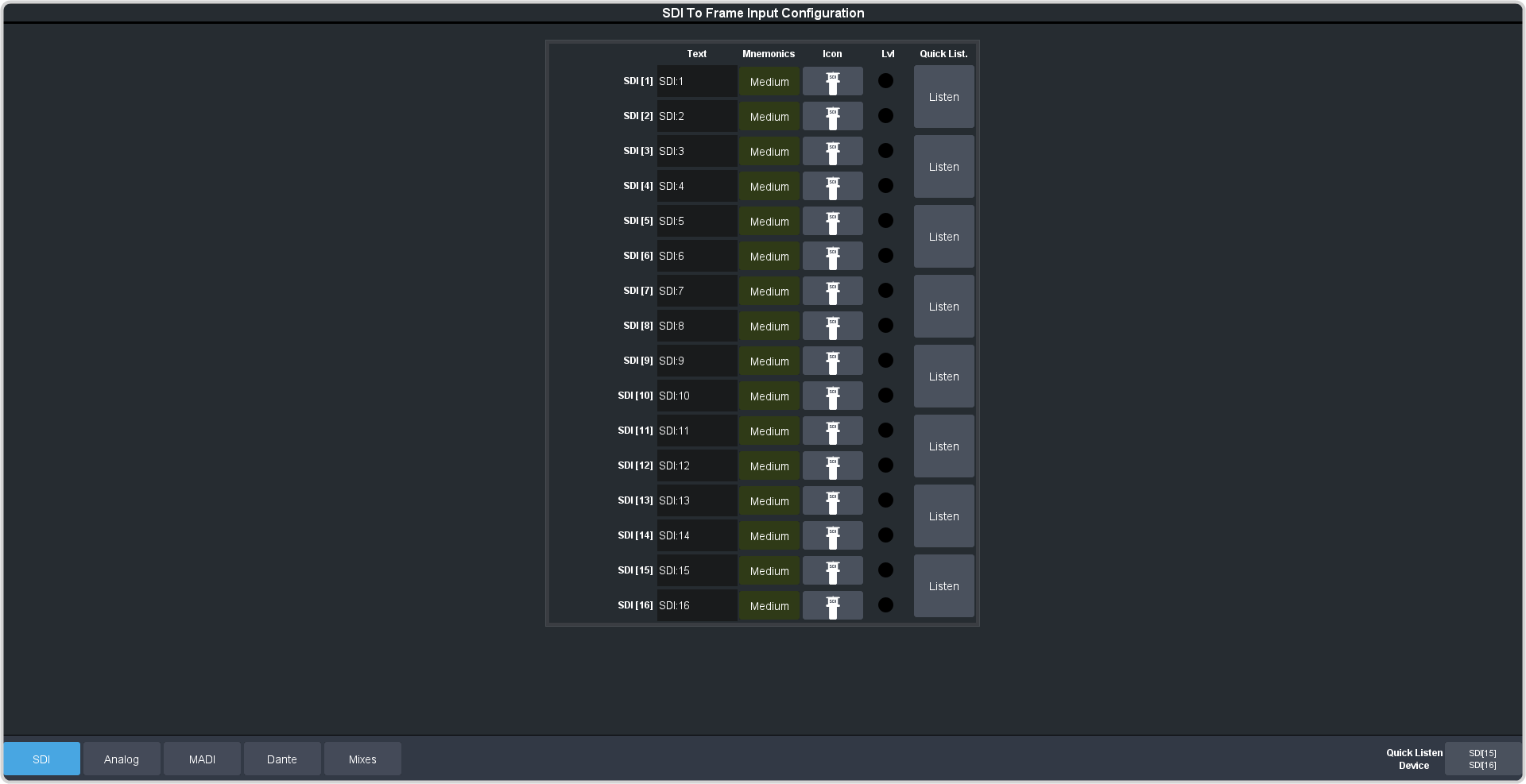
Embedded audio inputs come into the system through the To Frame HD BNCs.
Click Navigation Menu > Configuration > Audio Inputs > SDI
The inputs are listed along the side and the various settings are listed across the top. Click the setting button for the source you want to set up to view the available
settings.
Setting
Description
Text
Apply a custom name to the source. Enter a new name for each input you want to identify differently. The name is used to identify the input on the mixer mnemonics as
well as on menus.
Mnemonic
Select a custom text size and color, and background color for the source mnemonic.
Icon
Select a custom icon for the source mnemonic.
Lvl
Indicates an audio signal has been detected on the channel.
Listen
Press and hold the Listen button to have the channel pair sent to selected Quick Listen Device.