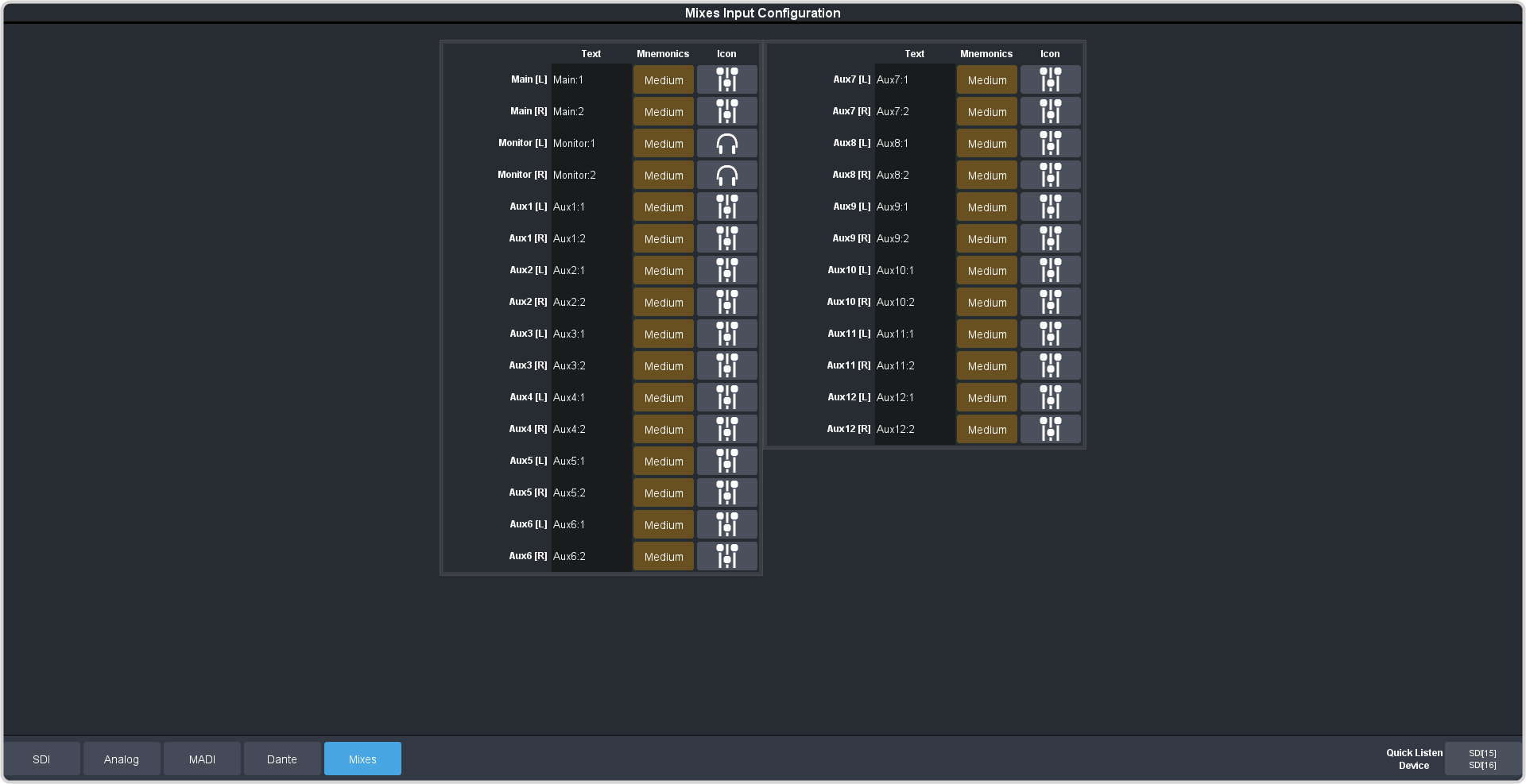
Click Navigation Menu > Configuration > Audio Inputs > Mixes
The inputs are listed along the side and the various settings are listed across the top. Click the setting button for the source you want to set up to view the available
settings.
Setting
Description
Text
Apply a custom name to the source. Enter a new name for each input you want to identify differently. The name is used to identify the input on the mixer mnemonics as
well as on menus.
Mnemonic
Select a custom text size and color, and background color for the source mnemonic.