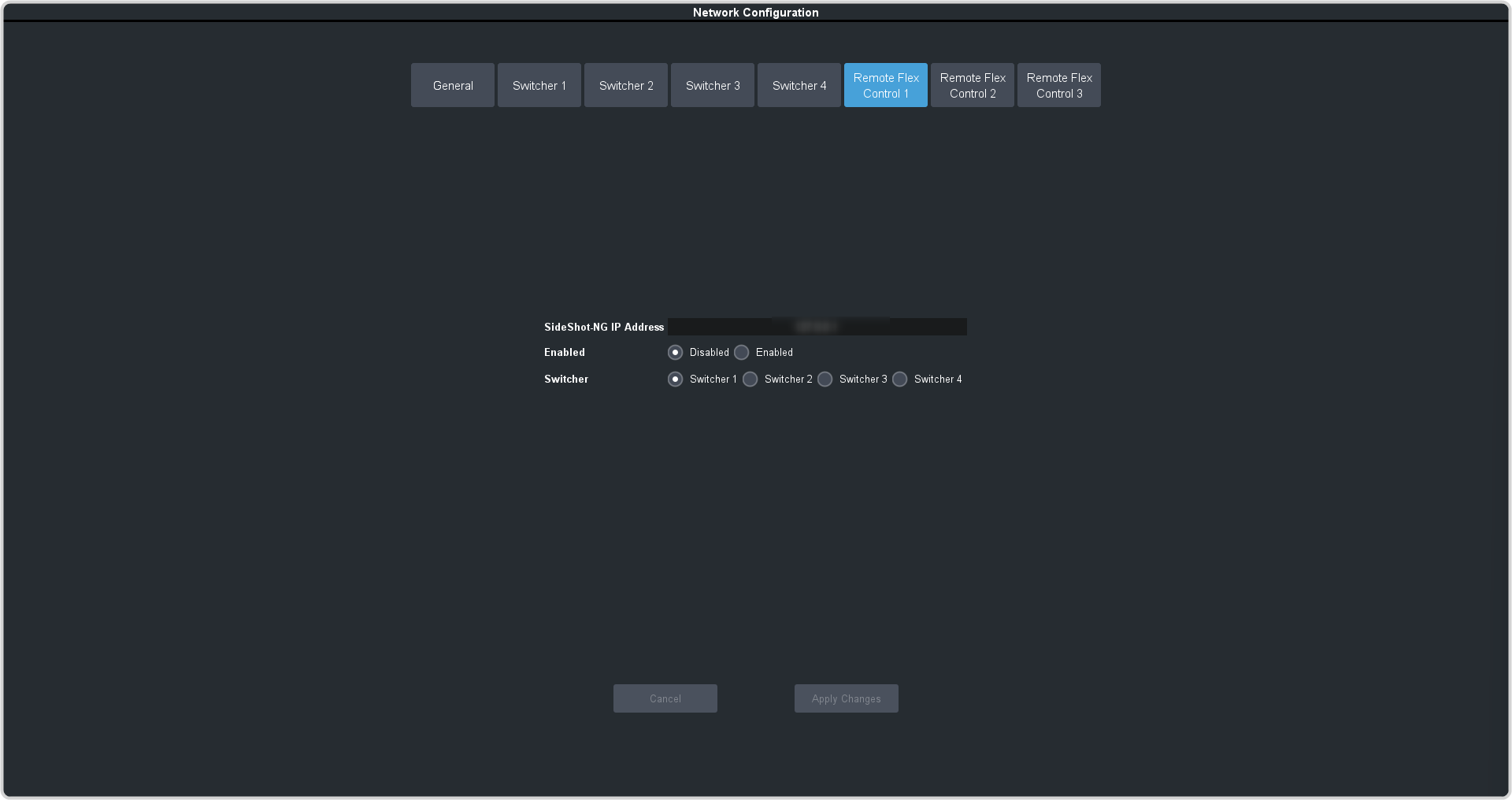
| SideShot-NG IP Address |
Enter the IP address of the enclosure you are connecting to. |
| Enabled |
Select whether to Enable or Disable the connection to the selected enclosure. |
| Switcher |
Select the frame you want to connect the SideShot-NG to. The panel must be set up to communicate with that frame before the enclosure can
connect to the frame. |