
To Assign a Panel Row to a Switcher on TouchDrive
When a panel is connected to multiple frames, you can assign a panel row to a layer on a different switcher.
-
The row control menu shows what that row is currently assigned to, as well as each bus.
Tip:The color of the source buttons and displays on the row also indicate where the row is assigned. The colors are set by the color scheme that is applied to the panel. The keyers can have different colors than their ME.
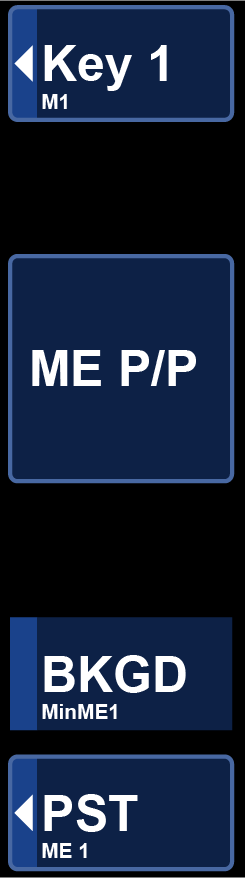
Note:The TDx Series panels have the Dual Delegation keyer rows with an extra row control menu item for the second keyer row.Note:If you are using the Configurable Program Outputs feature to create a Split-ME, the A-Side and/or B-Side of the ME is indicated with the ME, BKGD, and PST.