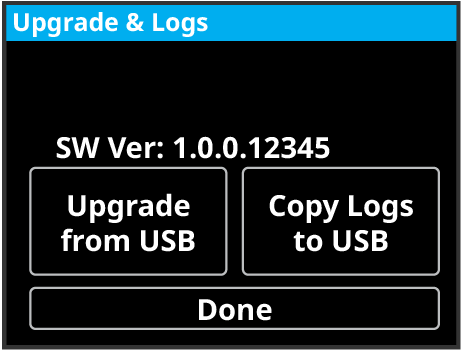
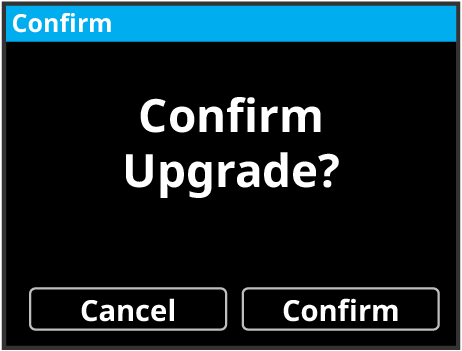
To Upgrade the System using the Front Menu Perform an upgrade from the USB using the front menu. Insert a USB drive with the upgrade file at the root directory into a USB Port on the frame. You must wait 5 seconds for the system to recognise the USB drive. Tap Upgrade and Logs. Tap Upgrade from USB. Tap Confirm.