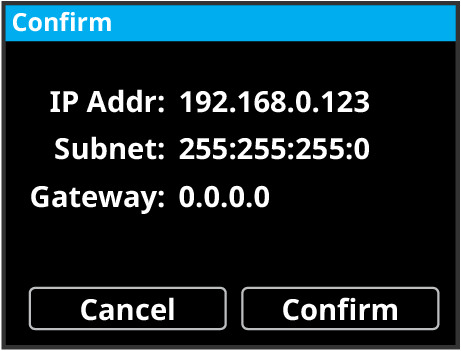
To Configure the Network Settings from the Front Menu
Configure network settings for the system from the front panel.
Important:
The system must be connected to a network to be able to properly apply new network settings. Connect the system to your local network before changing the network
settings.
-
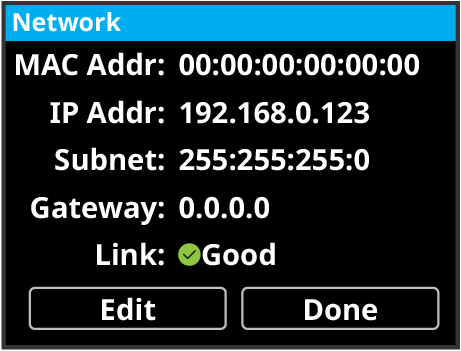
Use the mini-positioner to select Network and press the mini-positioner.
The menu lists the current network settings the frame is using.
-
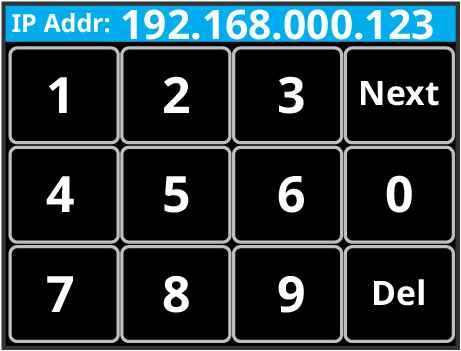
Enter the new IP address and tap Next.
-
Repeat these steps for subnet mask and gateway.