
To Manage Color LUTs
Upload, Delete, and set the Type workflow for Color LUTs.
-
Click Navigation Menu > Configuration > System > LUTs.
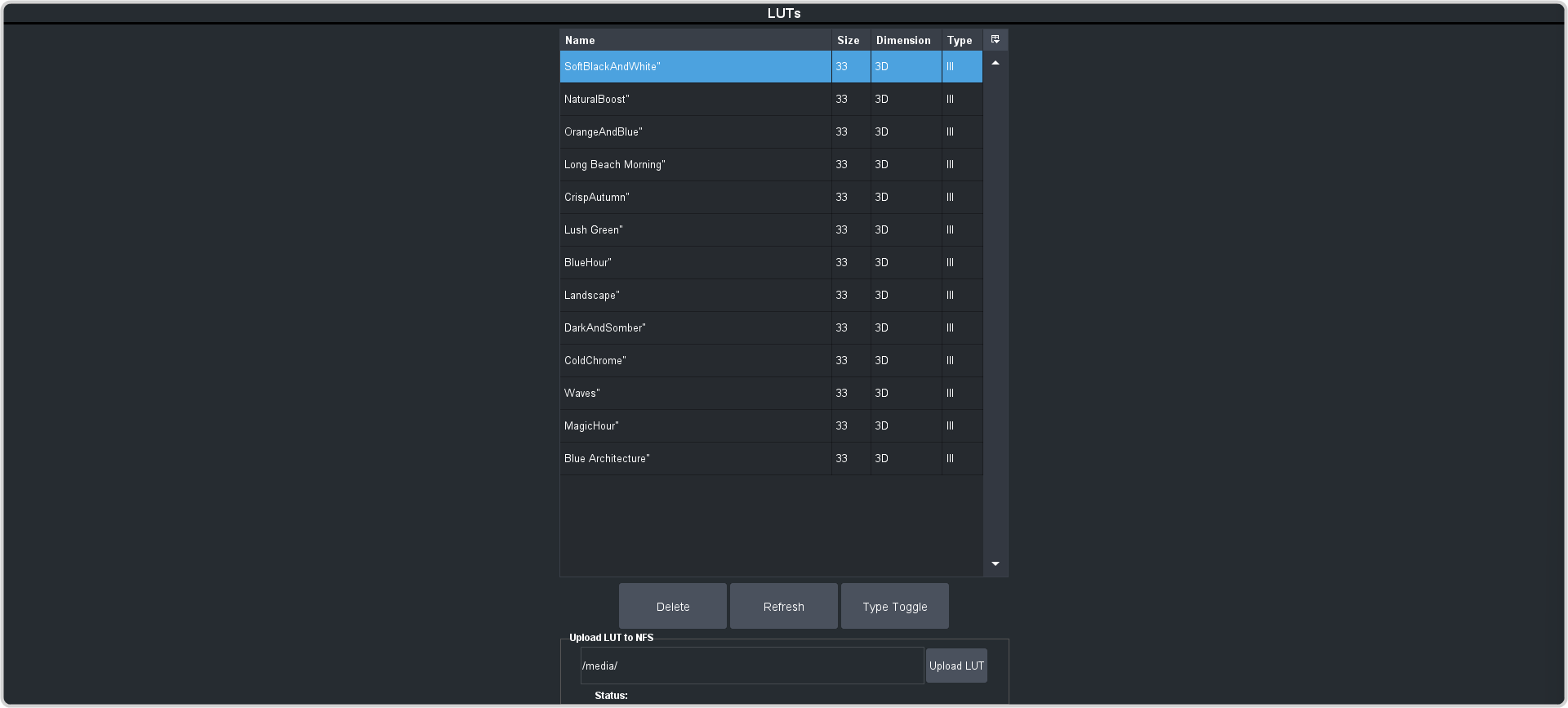
Note:The table shows all the .cube files in the /luts folder as well as their size and dimensions.Tip:Click Delete to delete the selected Color LUT file, or Refresh to update the list.