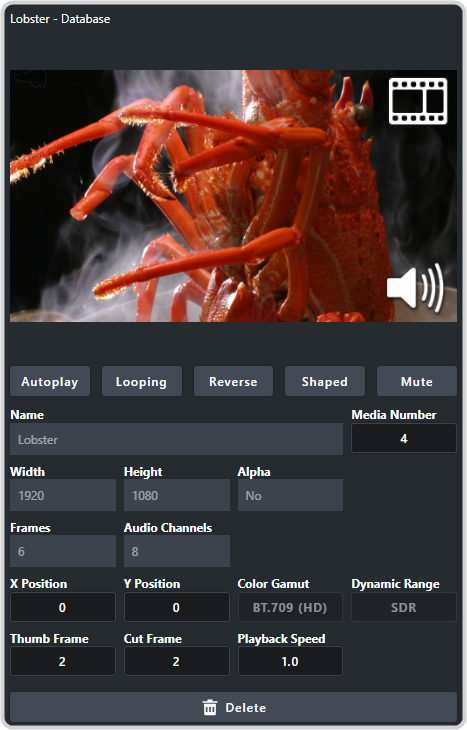
To Assign a Color LUT to a Media Item
Assign a Color LUT to an media item in the database.
-
Click on the media item that you want to assign the Color LUT to.
Note:A Color LUT can only be assigned to a database entry of the media item. If you select a channel, the Color LUT assignment is grayed out.