DashBoard 9.13: Transferring Panasonic
AW-UE150 Presets to an AW-UE160
Installation and Transfer Steps
-
Close DashBoard if it is running.
-
Make a backup of the DashBoard\workspace directory.
-
Install the DashBoard 9.13 over top of the existing DashBoard installation.
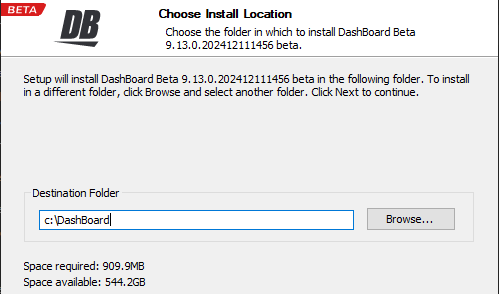
Figure 1
-
Run DashBoard and remove any UE160 PTZ cameras that are using the UE150 plugin.
Important: Keep track of the IP address and port of each removed camera. -
Close DashBoard.
-
In File Explorer open the DashBoard install location and navigate to: DashBoard\workspace.metadata.plugins\com.rossvideo.camera.generic.rice\users\default
-
Find the .json files beginning with “gccp-AWUE150” that correspond with the UE160 cameras (matching the IP address and port) and change the file names to “gccp-AWUE160”.
There will be multiple .json files to rename for each camera: banks, config, model, setup, and shot. -
Run DashBoard, and readd the UE160 PTZs choosing the AW-UE160 option in the Model dropdown.
-
Verify that each camera has its presets.
-
Remove DashBoard backup if there are no issues.