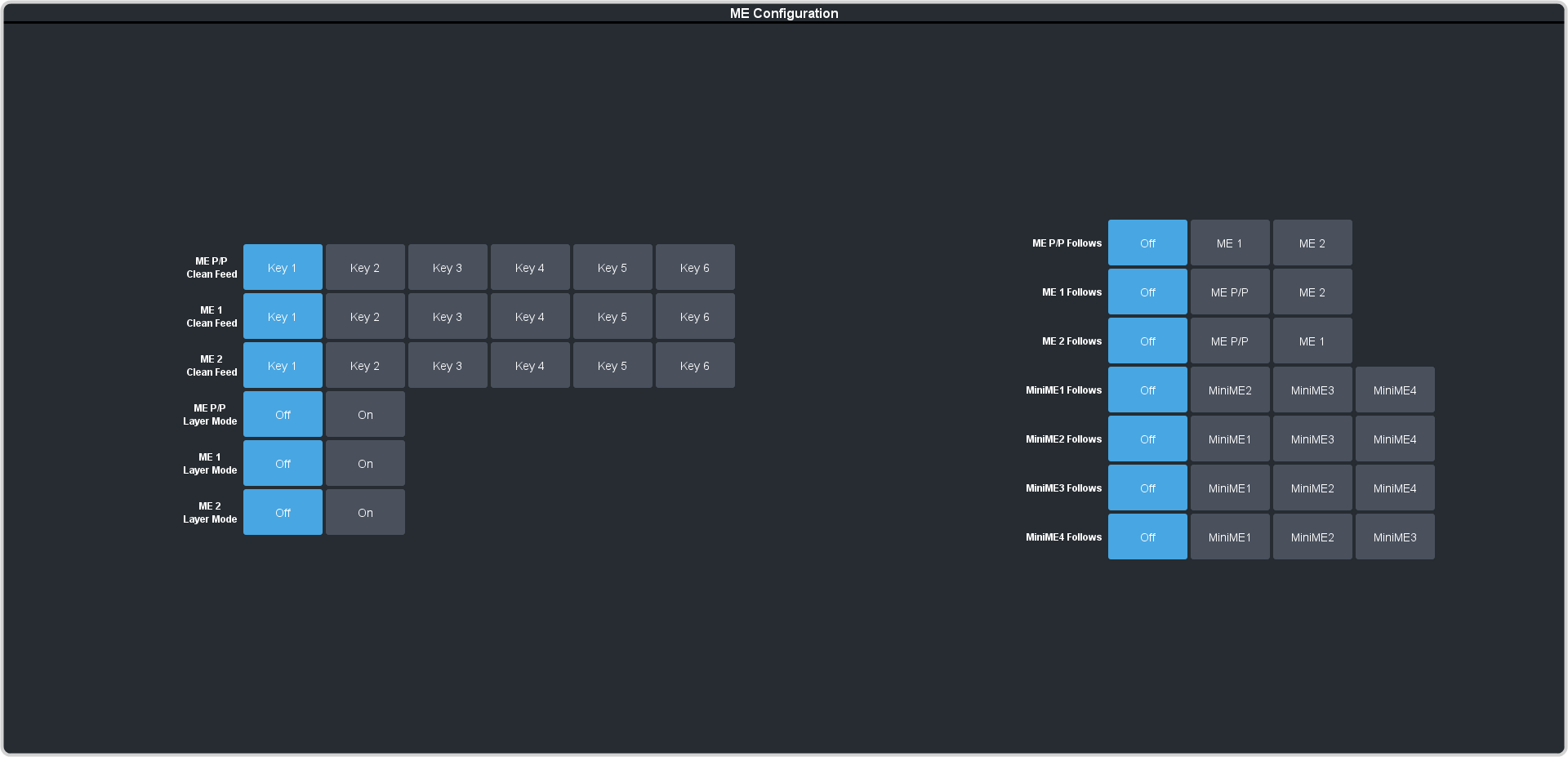
ME Follows
An ME can be linked to another ME so that actions performed on the first are duplicated on the following.
Keep the following in mind:
Keep the following in mind when working with ME Follows:
- You cannot have a MiniME™ follow an ME.
- There must be available resources for the following ME or MiniME™.
- Memories and resets are also performed on the following ME or MiniME™.
- Chroma Key initialization is only performed on the leading ME or MiniME™. The following ME or MiniME™ get the same chroma key parameters as the leading ME or MiniME™. If you are substituting the source on the following ME or MiniME™ the chroma key will not be initialized properly for that source.
- You cannot cascade/re-enter follows. For example, if MiniME™ 1 is following MiniME™ 2, MiniME™ 2 cannot be set to following anything and no other MiniME™ can follow MiniME™ 1.
To Set Up an ME Follow
Set an ME or MiniME™ to follow another ME or MiniME™. Actions on the first ME or MiniME™ are duplicated on the following ME or MiniME™.
-
Click Navigation Menu > Configuration > System > ME.