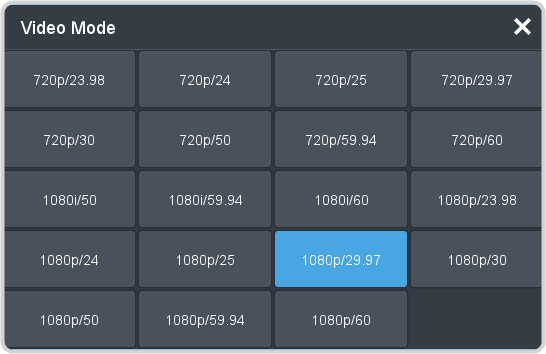
To Set a Video Mode
The video mode is the video format that the switcher is operating in.
Note:
All video source should be in the same video format that the switcher is operating in.
-
Click Navigation Menu > Configuration > Reference.

-
Click the Video Mode button and select the video format you want to use.