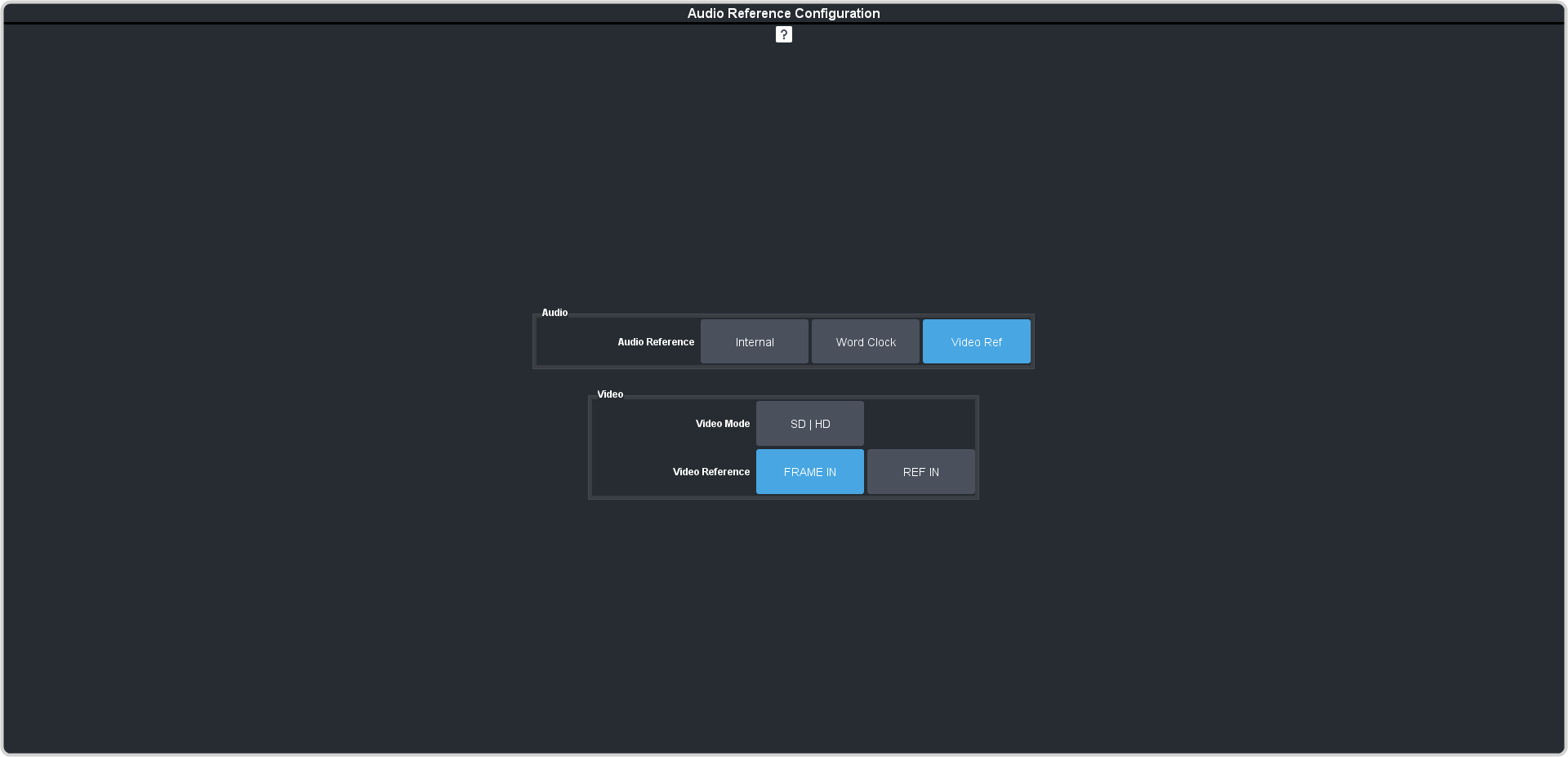
The audio reference source selects where the clock signal that is used to synchronize the audio signals originates from.
Important: The system can only lock to one clock signal at a time. Ensure you are using the correct clock signal for the audio sources you want to use.
Note: A Dante® license is required to use PTP with the Dante Controller.
-
Click Navigation Menu > Configuration > Reference.
-
Click the Audio Reference button for the source of the clock signal you want use.
- Internal — the Dante Controller uses PTP as either a leader or follower connected to the AoIP network
port. Embedded SDI audio is not supported.
- Word Clock — the Dante Controller uses the word clock signal connected to the WORD CLOCK IN port.
Embedded SDI audio is not supported.
- Video Reference — the system uses the dedicated genlock video reference signal connected to the REF IN port, or the timing of the
embedded audio connected to the TO FRAME SDI IN port. The Dante Controller must sync to external.
-
If you selected Video Reference, you must select the format and source of the reference signal.
- Video Mode — select SD|HD or the specific UHDTV1 format for the incoming reference signal.
- Video Reference — select REF IN to use the genlock signal connected to the Ref In port, or FRAME
IN to use the format of video with the embedded audio connected to the TO FRAME port.