Change the IP address of the system from DashBoard.
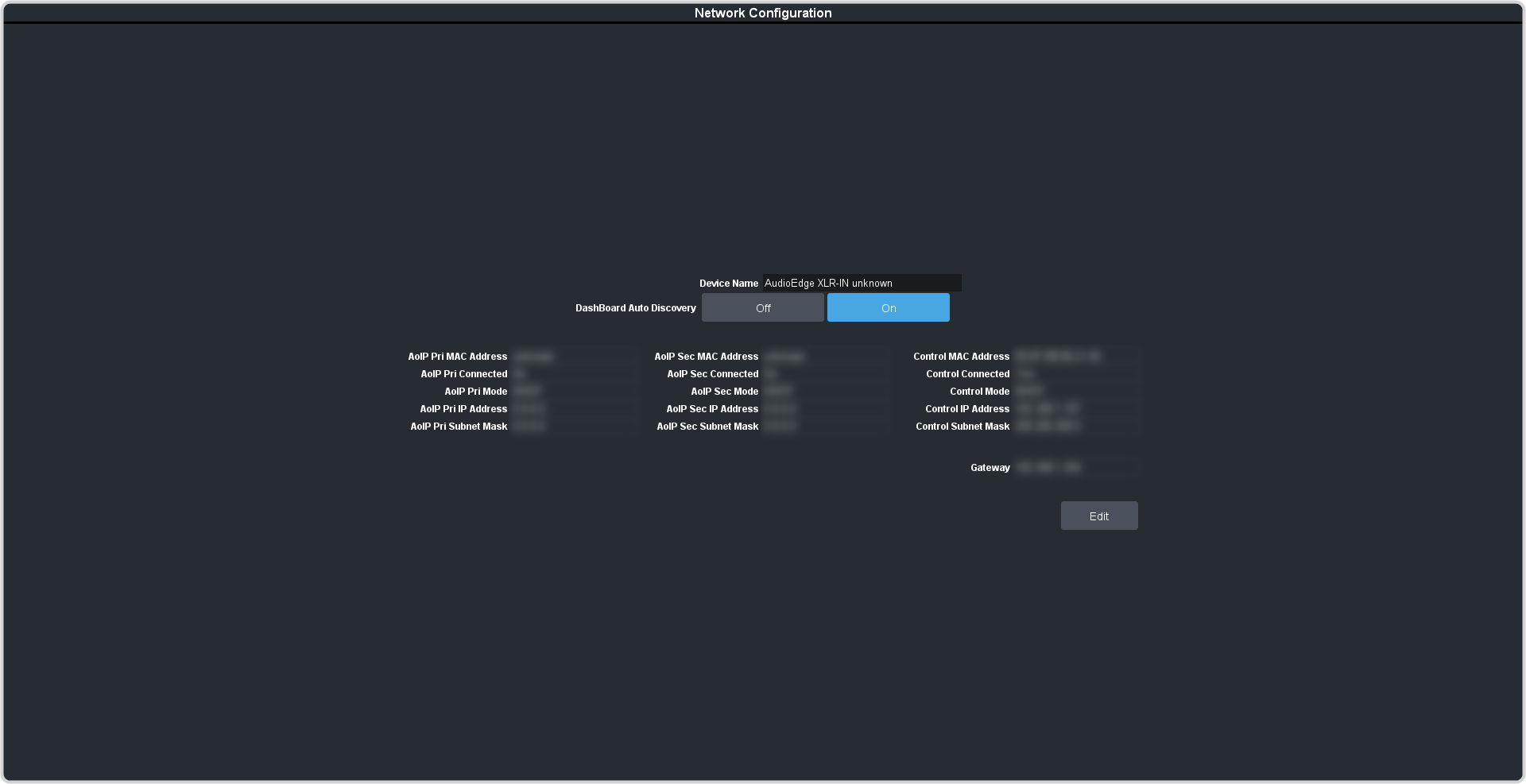
Click Navigation Menu > Configuration > Network.
Enter a name in the Device Name field. This is the name that appears in the tree view in DashBoard.
Click a DashBoard Auto Discovery button to have the system automatically discoverable by DashBoard (On), or not
(Off). Automatic Discovery allows you to automatically find this device from any DashBoard running on your subnet.
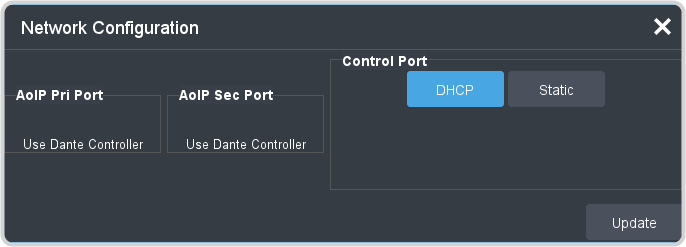
Click Edit.
Tip:
The Dante Controller must be configured to connect to the AudioEdge™
XLR-Analog-Input/Output device. When set up the controller information will
appear in the Primary and Secondary fields.
Click a Mode button to use DHCP (DHCP), or a static IP address (Static).
For a static IP address, enter the IP address (IP Address), subnet mask (Subnet Mask), and gateway (Gateway) you
want to use.