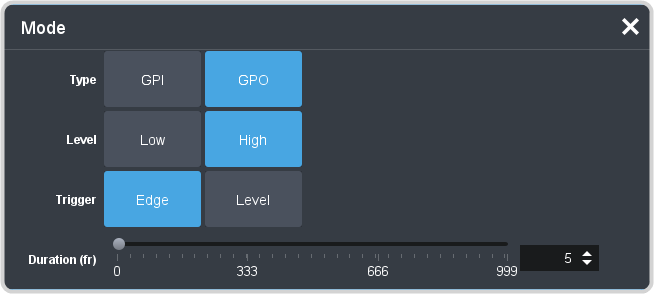
To Set Up a GPI Output

A GPI output can be set as a Normal GPI output, or as a Tally output. As a tally output, the GPI output must be assigned to a video source. A GPI output in tally mode can still be used as a normal GPI output.

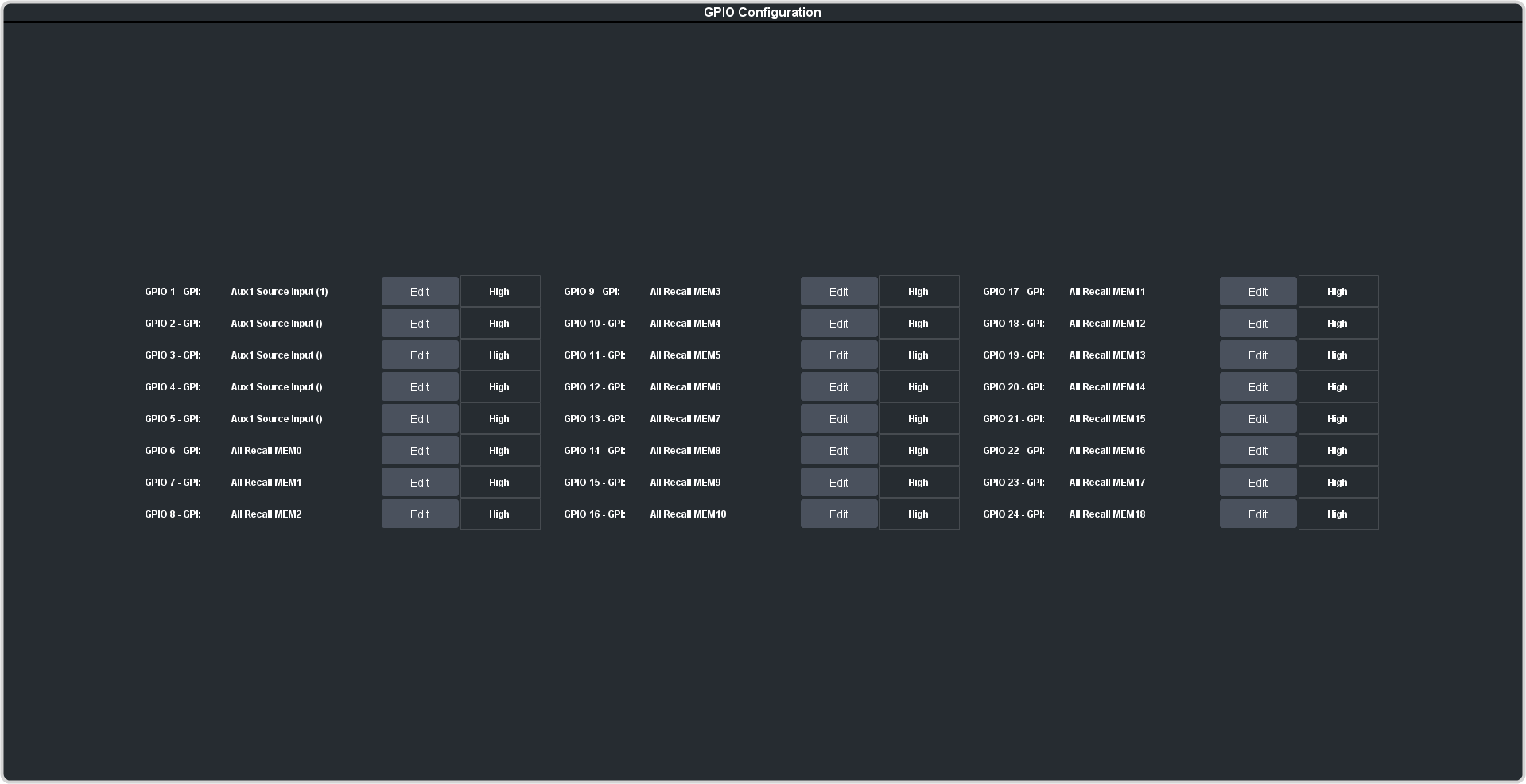
  1. Click Navigation Menu > Configuration > GPIO.

    Tip:
    The Trigger button next to the Edit button allows you to manually trigger a GPI output.
  2. Click Edit for the GPI that you want to configure as an output.
  3. Click GPO.


  4. Click a Level button to select whether you want the GPI to trigger low (Low), or high (High).
  5. Click a Trigger button to select whether you want to use an edge trigger (Edge), or a level trigger (Level).
  6. For edge triggers, use the Duration (fr) slider to set the length of time (in frames) that the GPI edge output remains triggered.