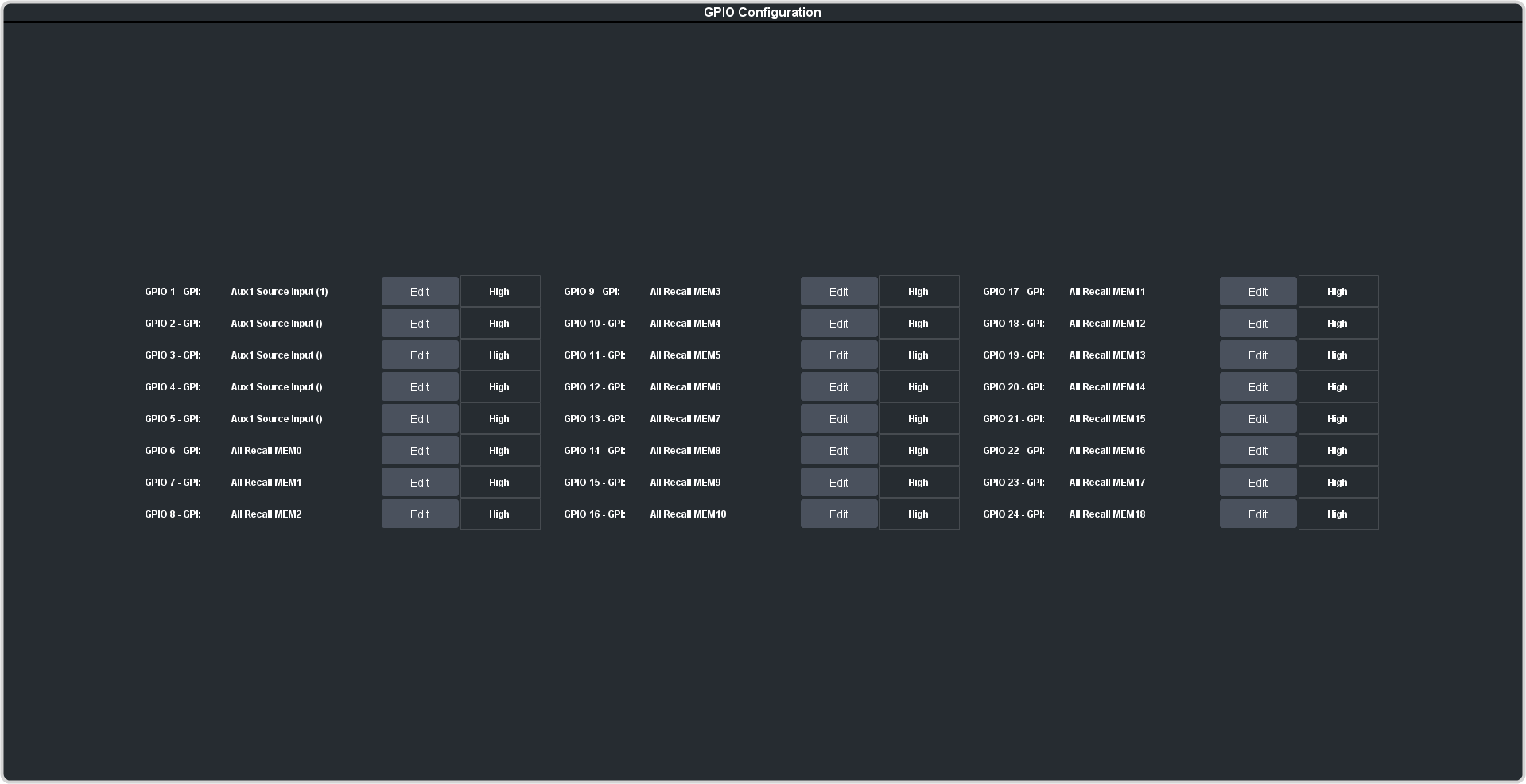
The field next to the Edit button shows the current state of the GPI input (High/Low). High is the
resting state. The GPI input must be taken low to trigger.
Click Edit for the GPI that you want to configure as an input.
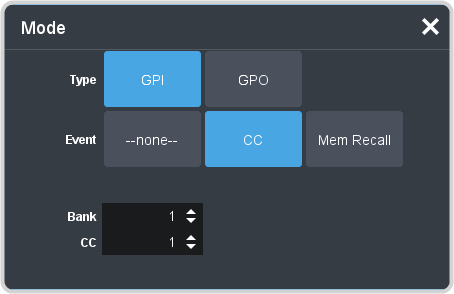
Click GPI.
Click the Event button for the action you want to assign to the selected GPI when it is at the selected level state.
Setting
Description
--none--
No action is taken. Select this option if you do not want the GPI to trigger an event when it is at the selected level state.