
To Manage DashBoard Connections
Remove unwanted DashBoard connections to the switcher.
-
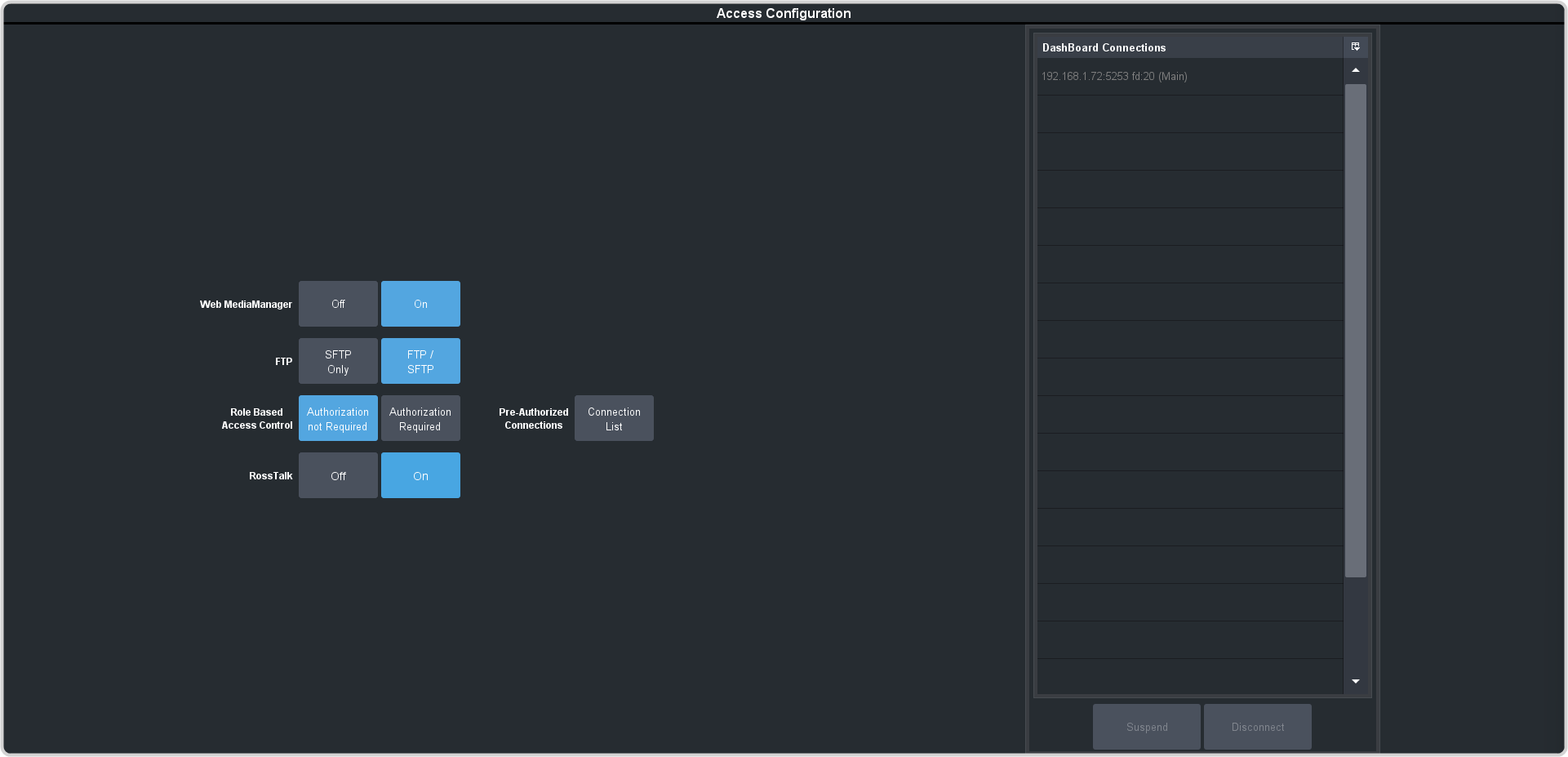
Click Navigation Menu > Configuration > System > Access.
Tip:All the DashBoard connections to the switcher are listed on the DashBoard Connections table. Connections are listed from oldest to newest, with the oldest connection at the top.
-
Select the connection you want to manage and click the action you want to perform.
Note:You cannot select or disconnect the connection you are currently using.
- Suspend — disconnect the selected DashBoard connection. Reconnection is allowed after 10 minutes.
- Disconnect — disconnect the selected DashBoard connection. Reconnection is allowed immediately.
