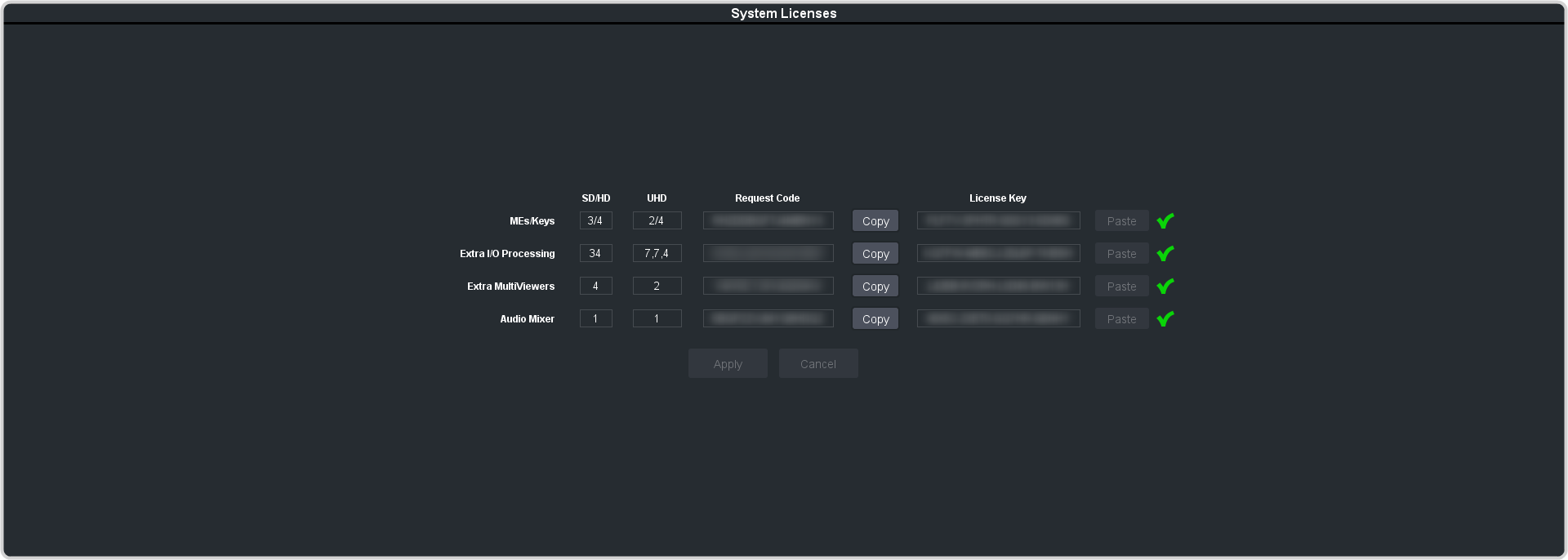
Click Navigation Menu > Configuration > System > Licenses.
Tip:
Click Details to get more information on what is provided by each license.
Click the Ross Request CodeCopy button for the option type(s) you have purchased.
Send the Request Codes to the Ross Video contact you were given when you purchased the options and they will send you the License Keys for the options.
Click the Ross License KeyPaste button to paste the key into the field.
Note:
If you paste the license key into the field using a keyboard, you must click away from the field for the key to be validated and the Apply
button to function.
Click Apply.
Power cycle the frame by switching the power button Off and then On again.
The switcher will come up with the new software options activated.