
Switcher Status in DashBoard
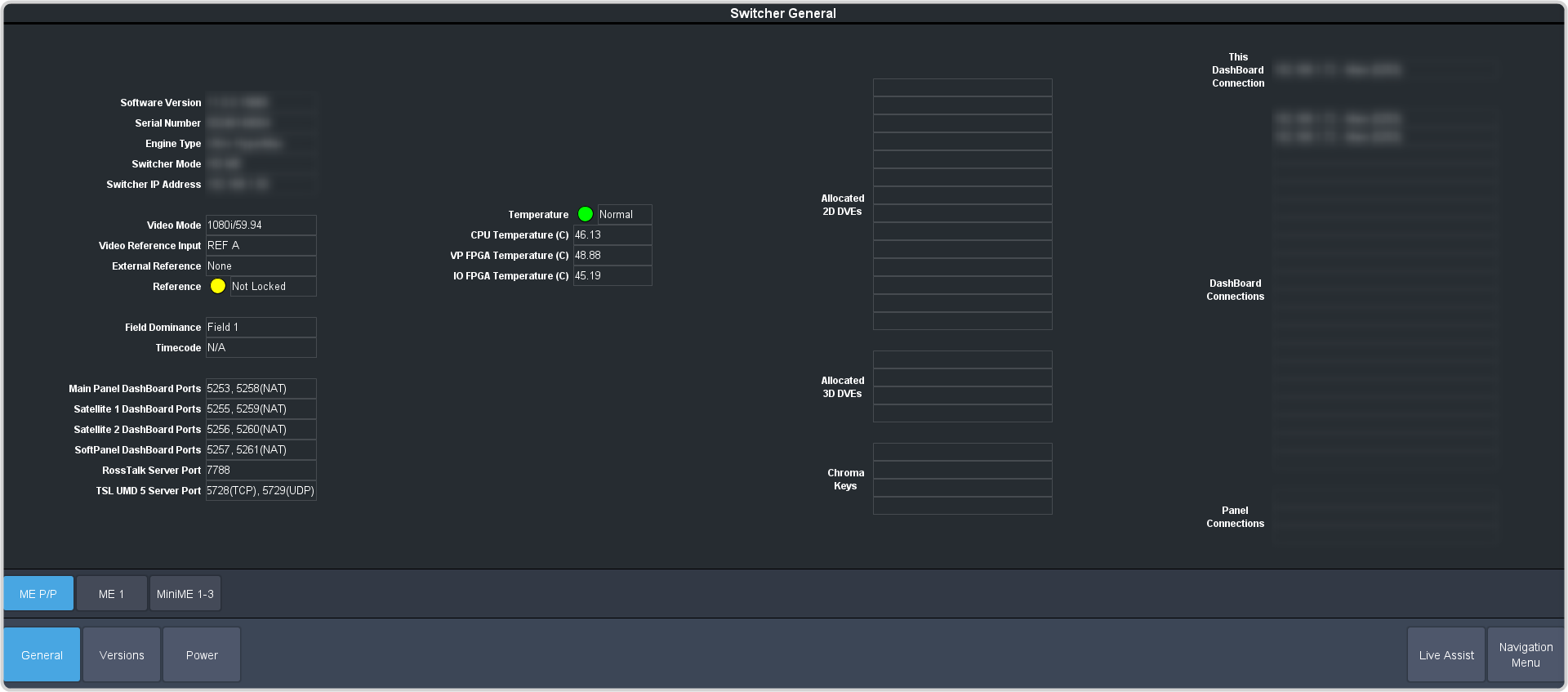
The DashBoard control system allows you to connect to the switcher and view status information for various components of the frame.
Note:
Each SDPE blade assigned to the switcher has a status tab indicated by the role that blade has been assigned in the
switcher.
Tip:
The icons in the DashBoard Tree View will alert you if there is an alert condition. Green for normal, amber
for alert, and red for alarm.