
Shutdown the switcher application in preparation for powering the system off.
-
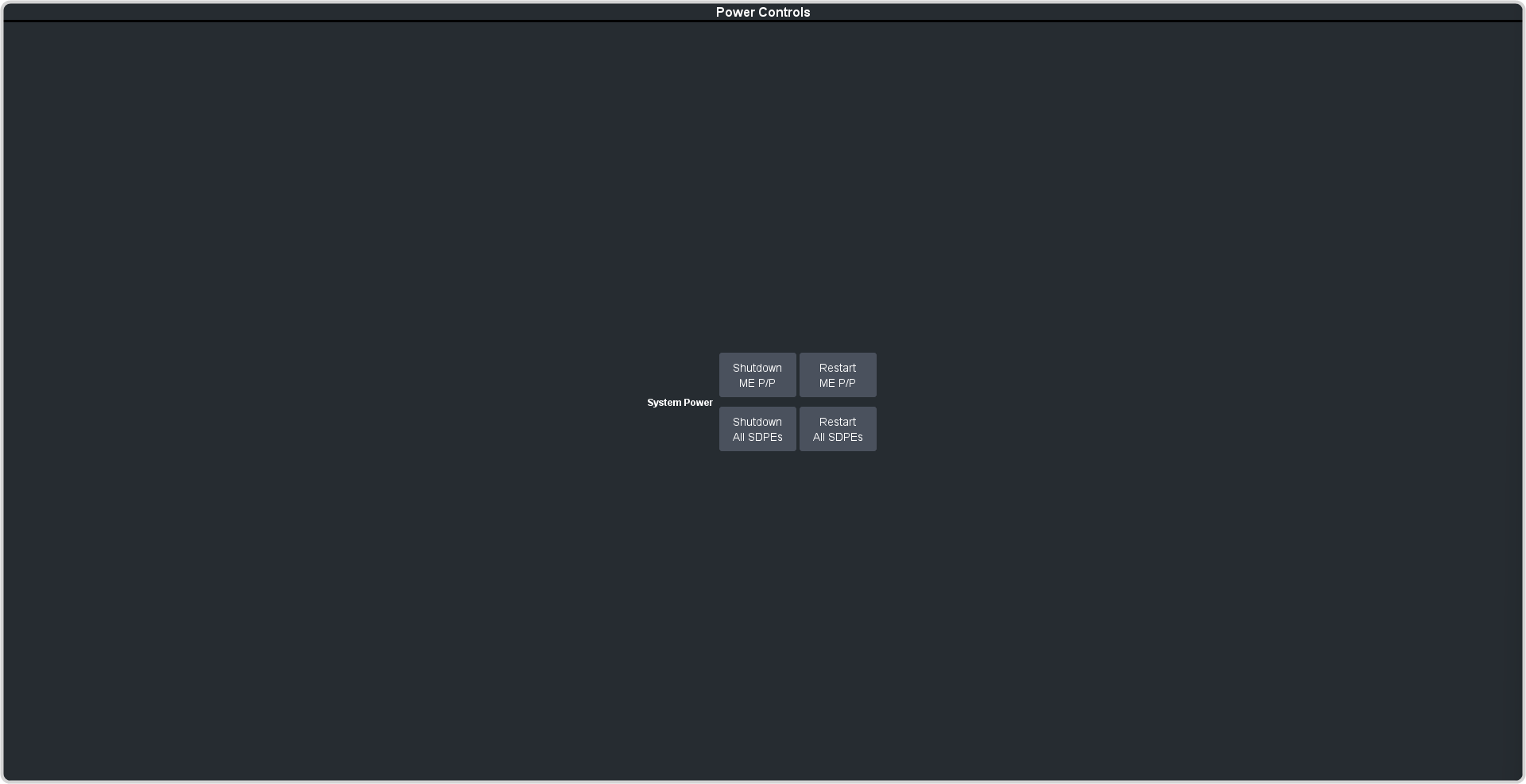
Click Navigation Menu > Status / Power > Power
-
Select the element you want to shutdown.
- Shutdown ME P/P — shut down just the SDPE blade that is assigned as ME P/P.
- Shutdown All SDPEs — shut down all the SDPE blades assigned to the switcher.
-
Click OK.
The switcher will safely shut down the applications in preparation for powering off.
-
Wait for 20 seconds before powering the switcher off.