
To Delete A Media Item
Delete a media item from the storage device. You can only delete a single item at a time and you cannot delete the internal sample items.
-
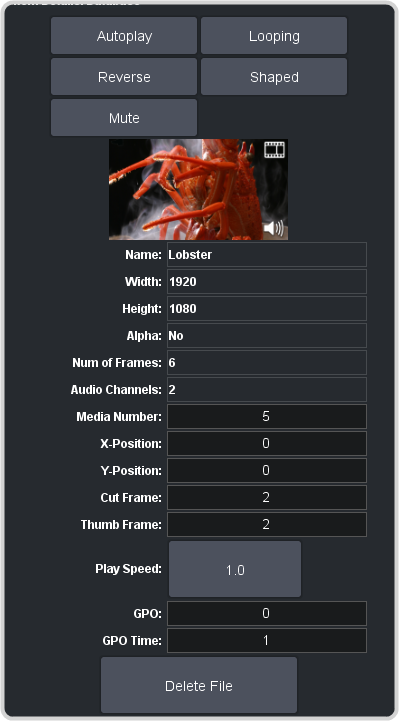
In the Item Details area, scroll to the bottom.
Delete a media item from the storage device. You can only delete a single item at a time and you cannot delete the internal sample items.