
Ultrix™ Router
This information in this document applies to the Ross® Ultrix™ router using the RossTalk protocol.
Cable Connections
The router connects to the switcher over ethernet.
Switcher Communications Setup
The switcher must be set up to communicate with the router using RossTalk.
To Set Up Ethernet Communications
-
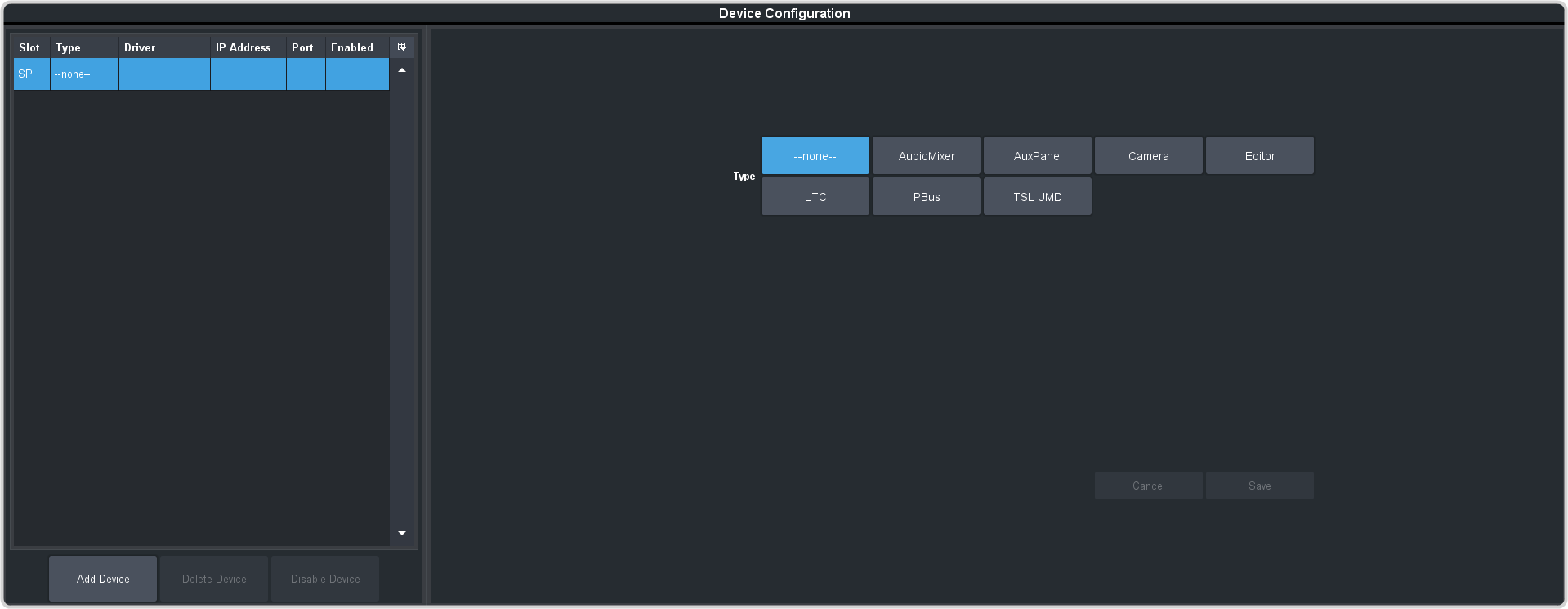
Click Navigation Menu > Configuration > Devices.
-
In the Type area click RossTalk.

Switcher Video Setup
The switcher must be set up to associate the router controls with the video source coming into the switcher. When you select the source coming from the router on a bus, the menu jumps to the controls for that router.
To Assign a Router to a Video Input
-
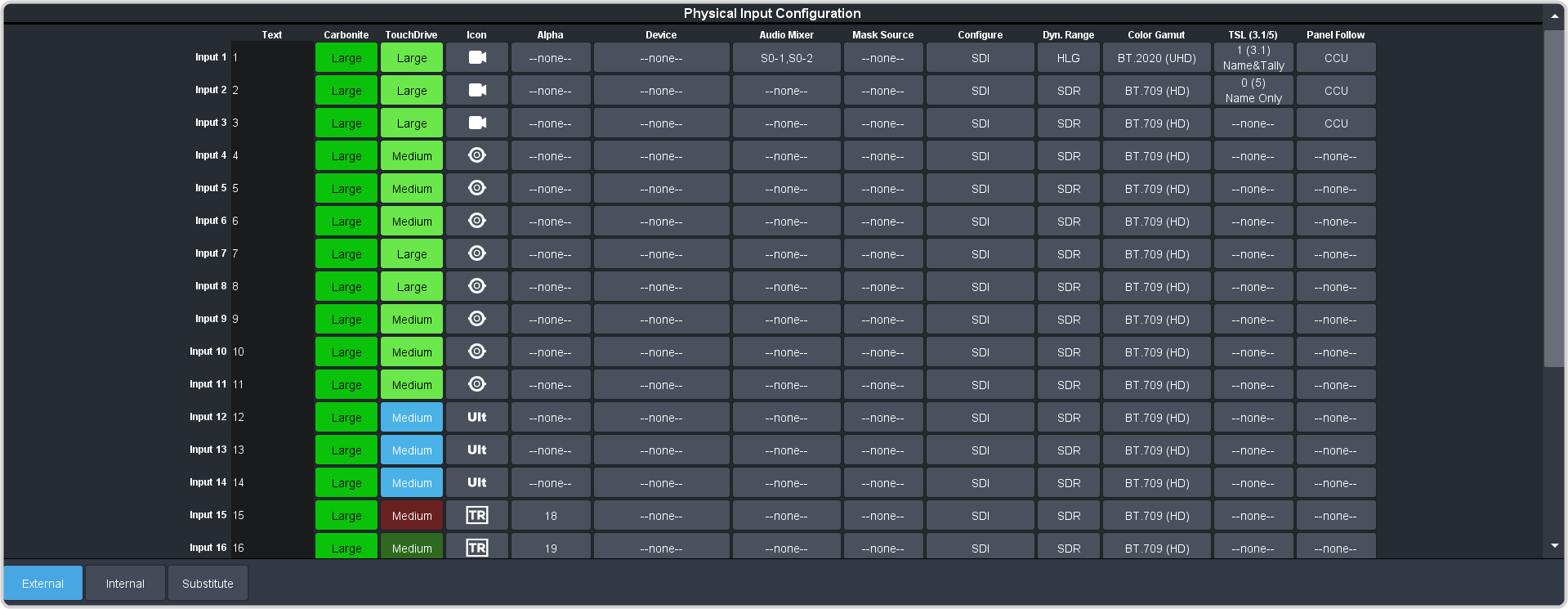
Click Navigation Menu > Configuration > Inputs > External.
-
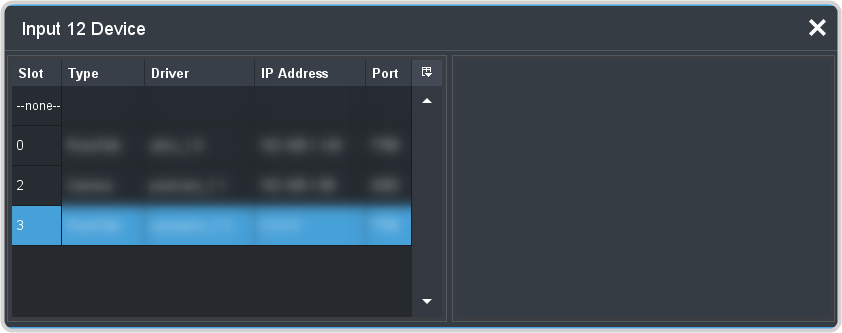
Click the Device button for the video source that you want to assign a device to.
Ultrix™ Setup
Note:
This information in this procedure is provided as a guide and is based on the current version of hardware and software that was available at the time of
testing. For the most accurate and up-to-date information, refer to the documentation that came with your device.
Note:
Ultrix™ automatically accepts RossTalk commands on port 7788.
Ultrix™ RossTalk Control
The switcher interface allows you control a number of aspects of Ultrix™.
Tip:
All the Ultrix™ controls can be recorded to a custom control on the switcher.
To access the control options, press the video source button that you have set up as the video input from Ultrix™.
| Menu Item | Description |
|---|---|
| Salvo | Select the router salvo you want to perform the Action on. |
| Action | Select the salvo (Salvo) you want to fire and press the Trig Action button. |
| NEXT | |
| Clock | Select the MV timer you want to perform the Action on. |
| Action | Select the MV timer (Clock) you want to perform the Action on and select the Action.
|