
To Save a Custom Reset Setting
The Custom Reset Setting, or RState, saves how you want the system to be configured when it powers up, or when you recall the RState manually.
-
Click Navigation Menu > Audio Mixer > Memory > RState.
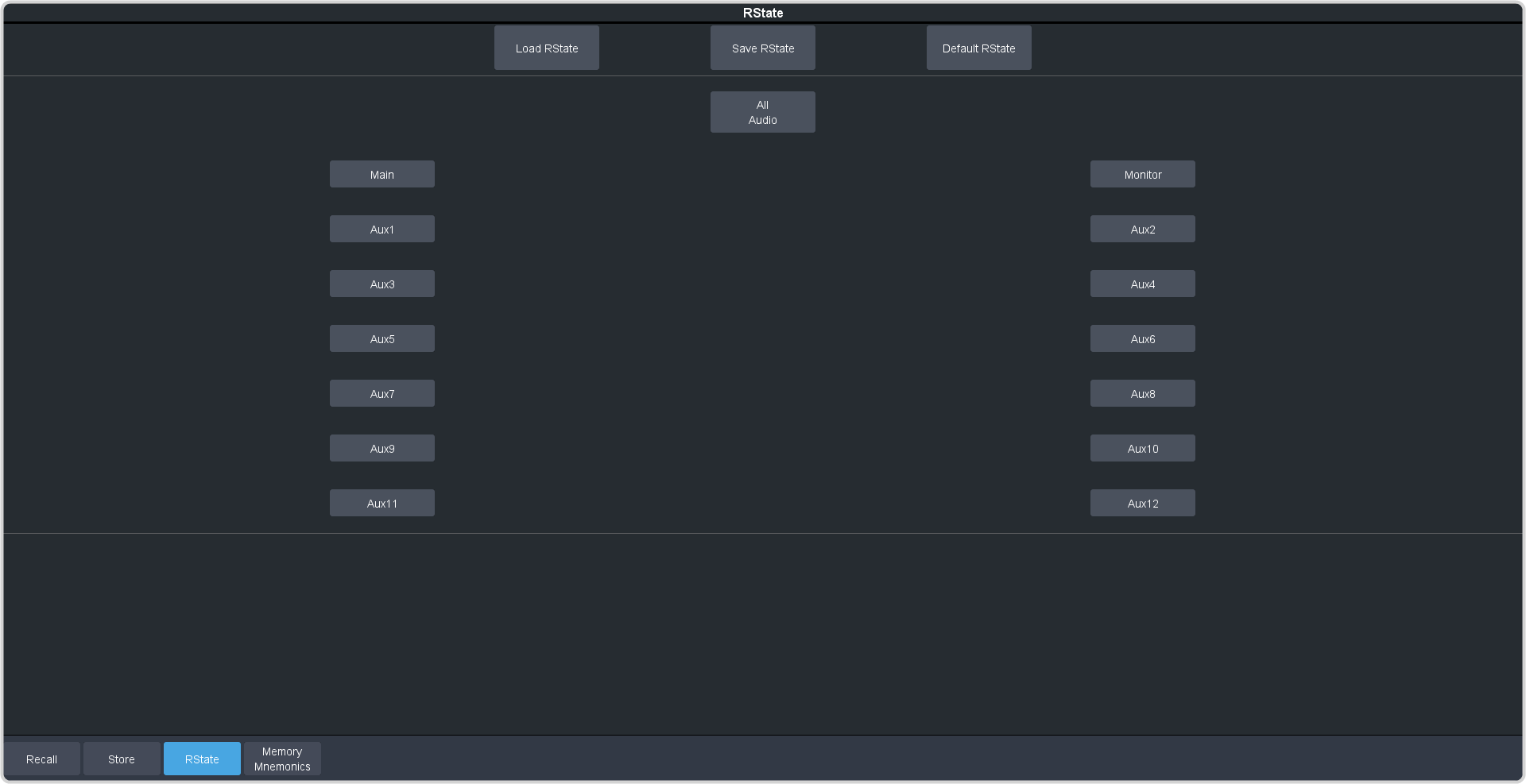
The Custom Reset Setting, or RState, saves how you want the system to be configured when it powers up, or when you recall the RState manually.