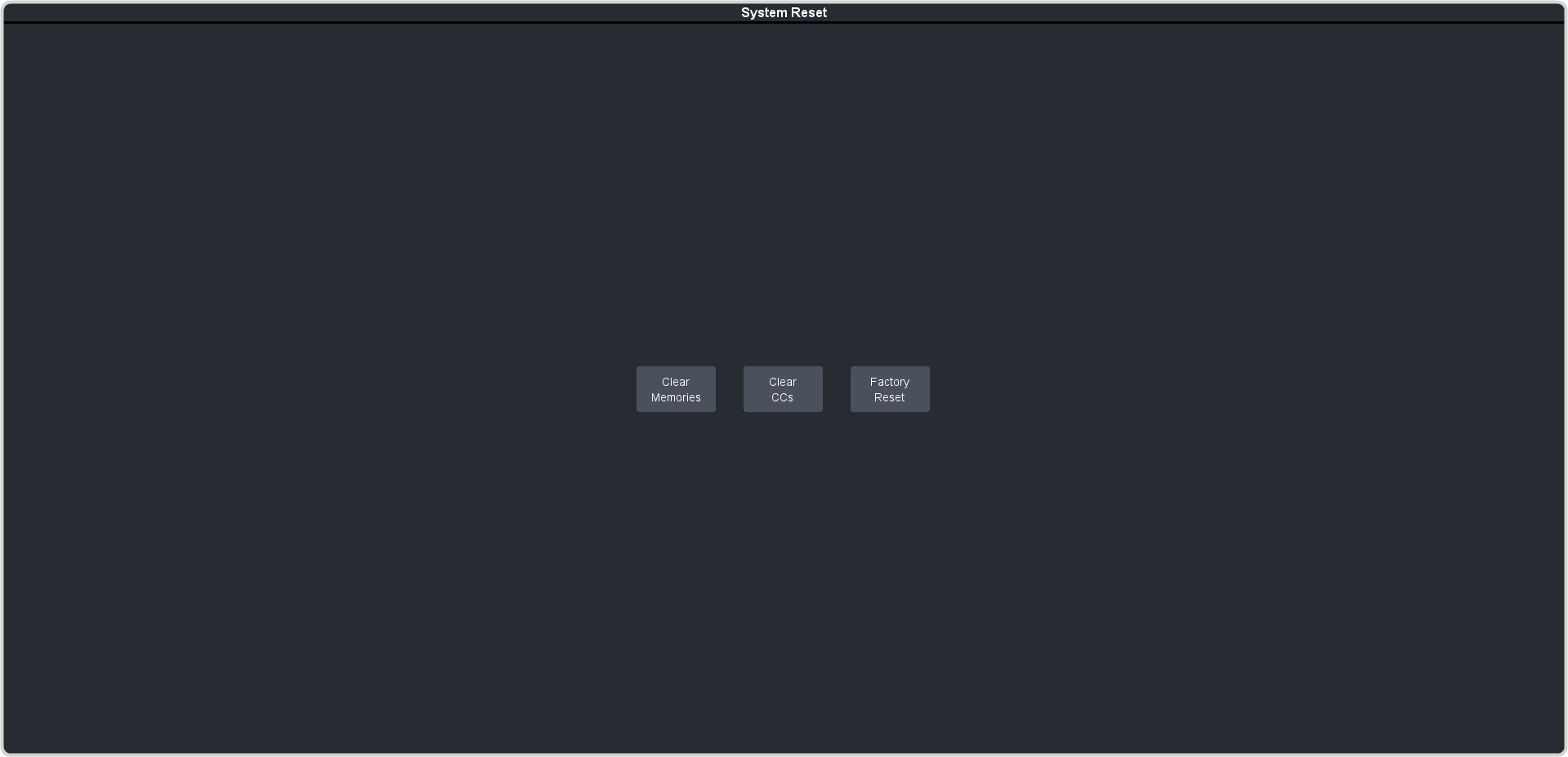
To Factory Reset the System Return the system to the factory default settings. Click Navigation Menu > Configuration > System > Reset. Click a reset or clear button to return that feature to the factory default sate. Clear Memories — clear all memory registers on the system. Clear CCs — clear all custom controls on the system. Factory Reset — return the installation register to the default settings.