
To Copy Logs To a USB
System logs can be stored onto a USB to be sent to technical support to diagnose problems.
Tip:
Log can also be exported to your DashBoard computer instead of saving them to the USB. Click Export As... in the
Export Logs From Frame area and select the location on your computer to save the logs file.
Note:
Logs must be copied before a reboot or power-cycle of the system, or the information in them will be lost.
-
Click Navigation Menu > Configuration > Diagnostics.
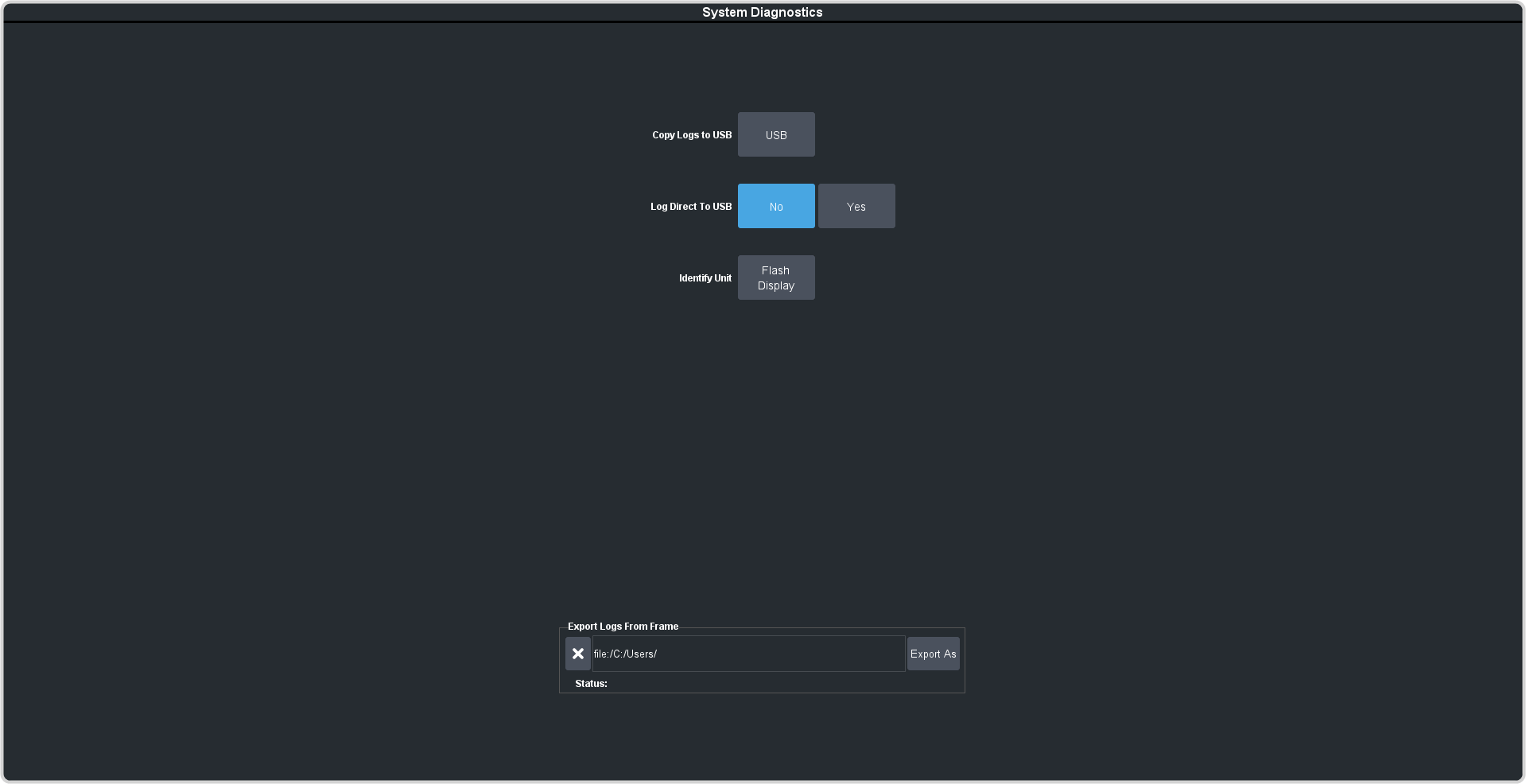
The logs have been copied into the \system directory on the USB drive.