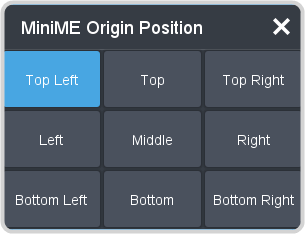
MiniME™ Origin on the Canvas
Select the origin point that the MiniME™ (tiles) use on the Canvas. MiniME™ position adjustments are relative to this origin point on the Canvas and the upper left corner of the MiniME™.
Important:
It is recommended that the origin point be set to Top Left. This puts the origin for the MiniME™ and the origin for the
Canvas in the same top left position.
Note:
MiniME™ origin point is only available from DashBoard.
-
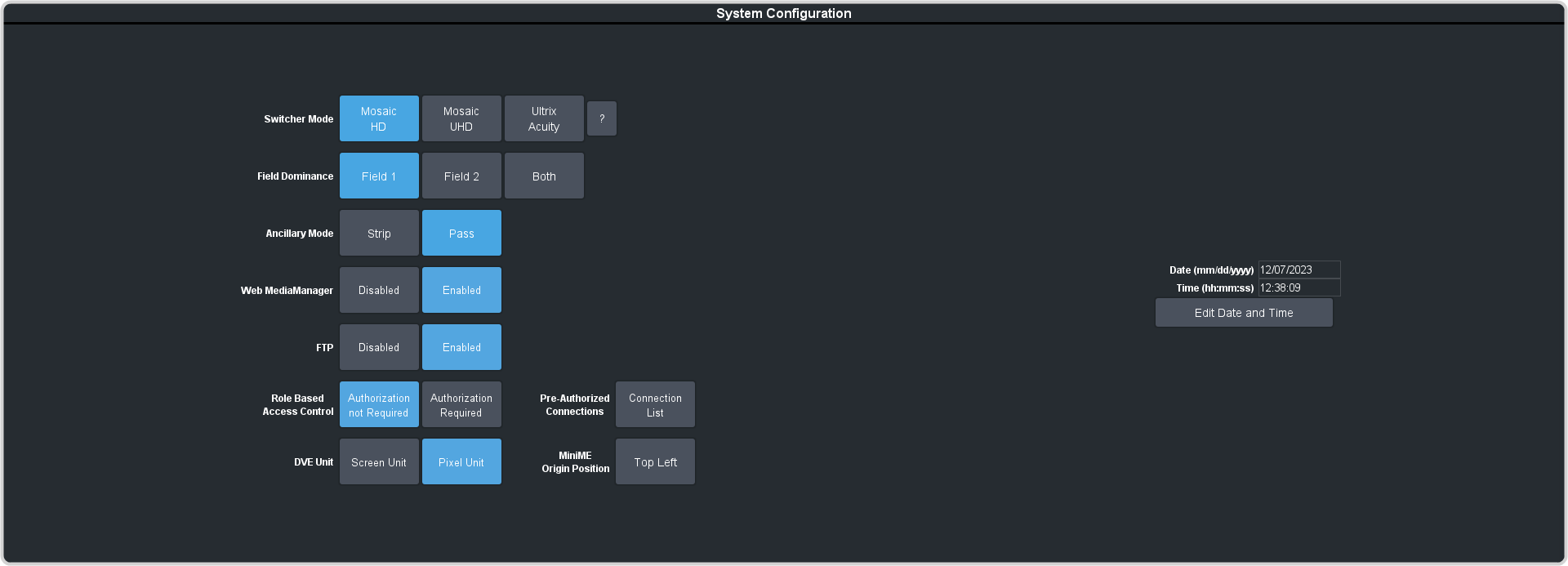
Click Navigation Menu > Configuration > System > Global.
-
Click MiniME Origin Position and select the point on the Canvas that the MiniME™ (tiles) will use.