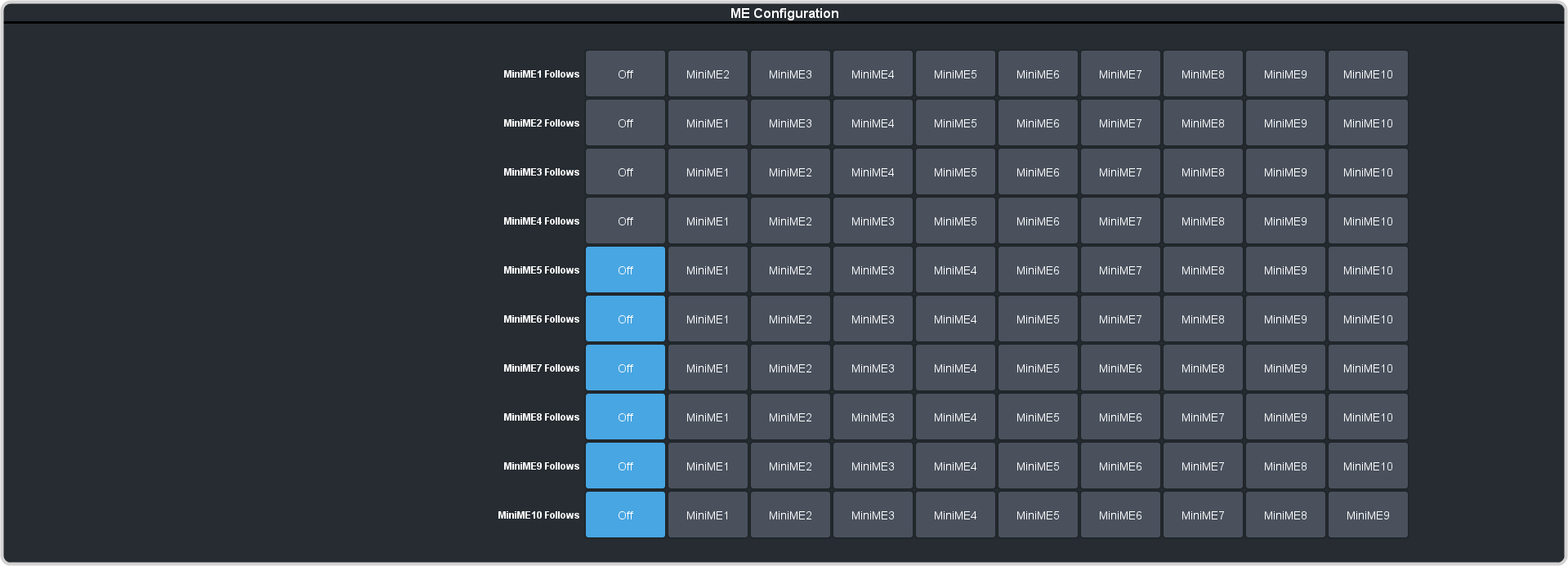
Set the key priority for keys on ME and MiniME™ outputs.
-
Click Navigation Menu > Configuration > System > ME.
-
Next to the MiniME X DSK Auto Drop, or Canvas X DSK Auto Drop, select
the keys you want to be cut off-air when a source is selected directly on the background bus of the selected layer.
Tip: On the TouchDrive panel, press and hold the Key SEL button and tap the Auto Drop button in the
vertical row control menu to toggle Auto Drop On or Off for that key.