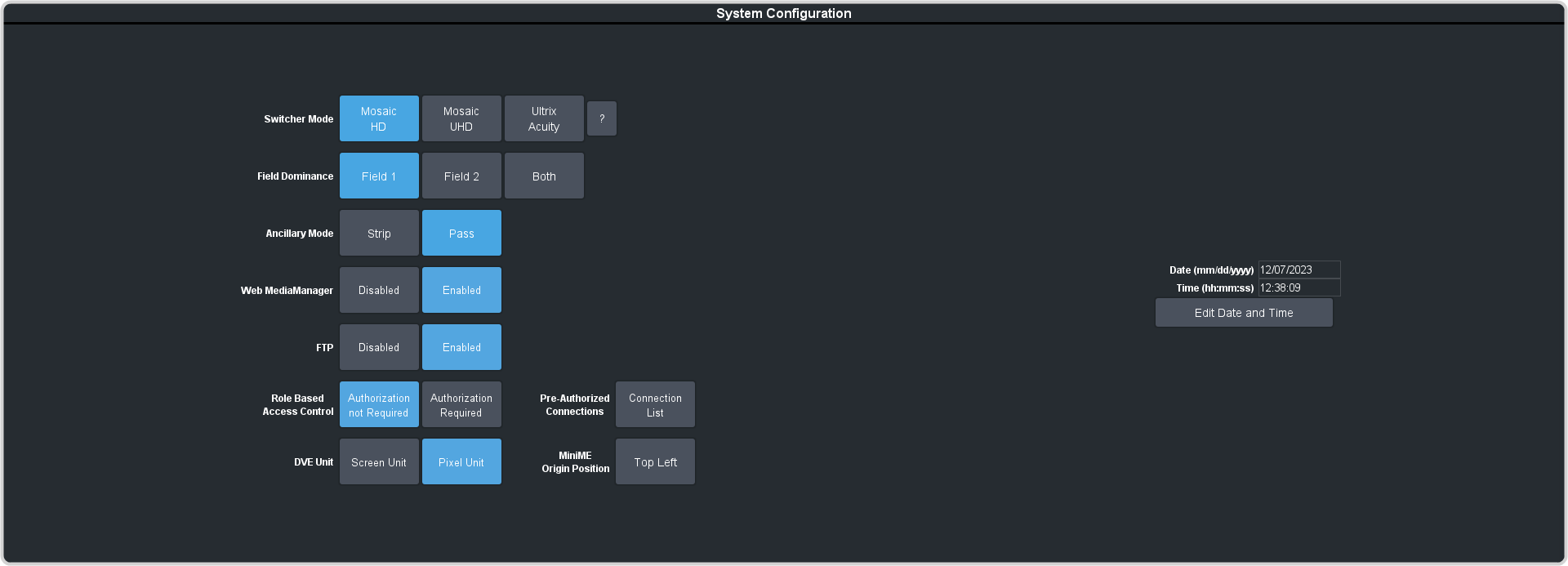
To Strip or Pass Ancillary Data
Strip or pass ancillary data on video outputs. Video manipulation such as FSFC conversion automatically strips ancillary data from the video signal.
-
Click Navigation Menu > Configuration > System > Global.