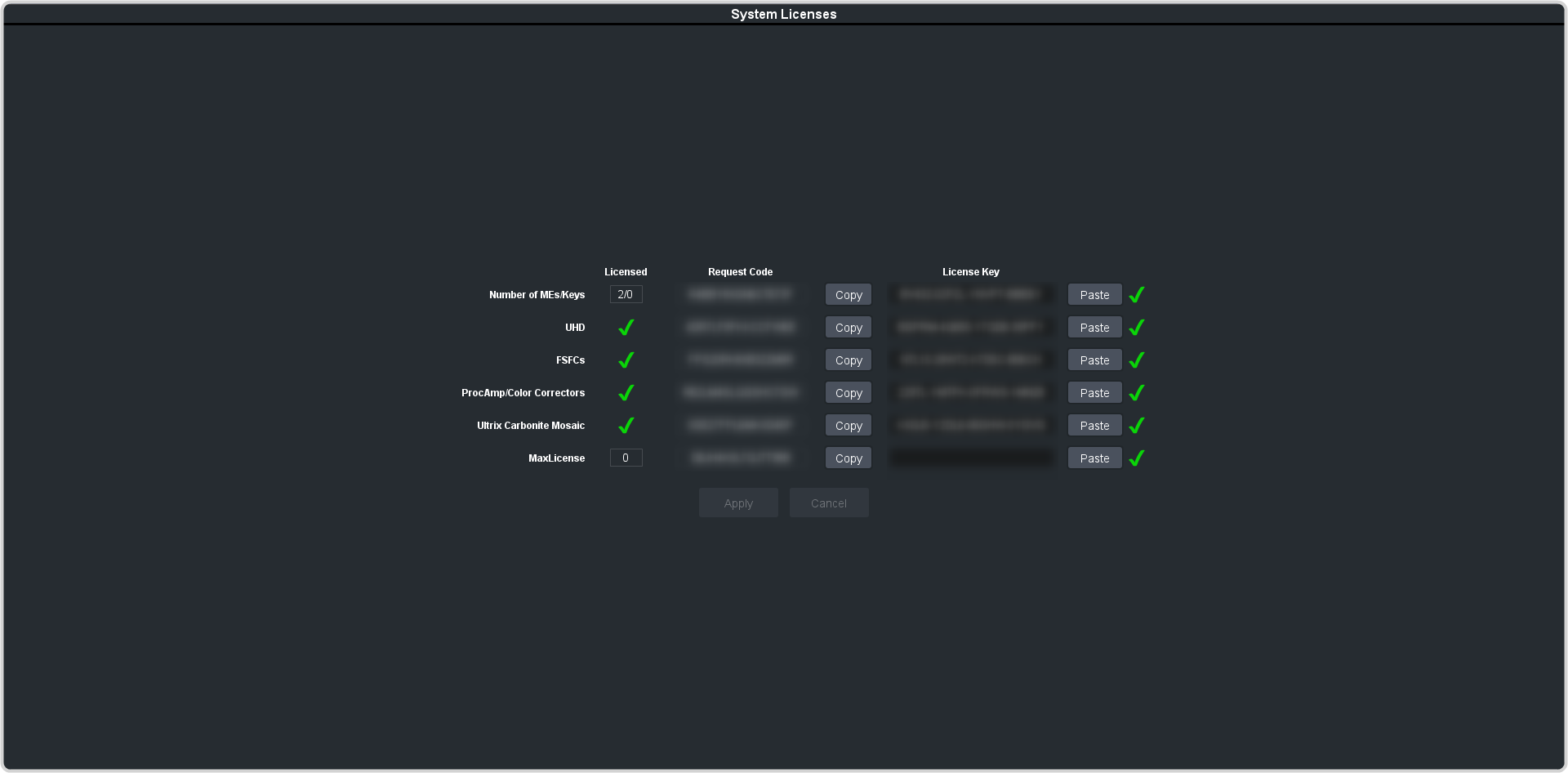
The license menu lists available and installed options, as well as allows you to copy and paste codes for installing new options.
Tip: Software options can be reduced or removed by contacting Ross Video and getting a License Key for the new number.
-
Contact your Ross Video sales representative to purchase a license for the option you want to install.
-
Click Navigation Menu > Configuration > System > Licenses.
-
Click the Ross Request Code
Copy button for the option type(s) you have purchased.
-
Send the Request Codes to the Ross Video contact you were given when you purchased the options and they will send you the License Keys for the options.
-
Click the Ross License Key
Paste button to paste the key into the field.
Note: If you paste the license key into the field using a keyboard, you must click away from the field for the key to be validated and the Apply
button to function.
-
Click Apply.