
To Set the On-Air Status for an Output

Set an output to be on-air to tally sources that are selected on that bus.

  1. Click Navigation Menu > Configuration > On Air.
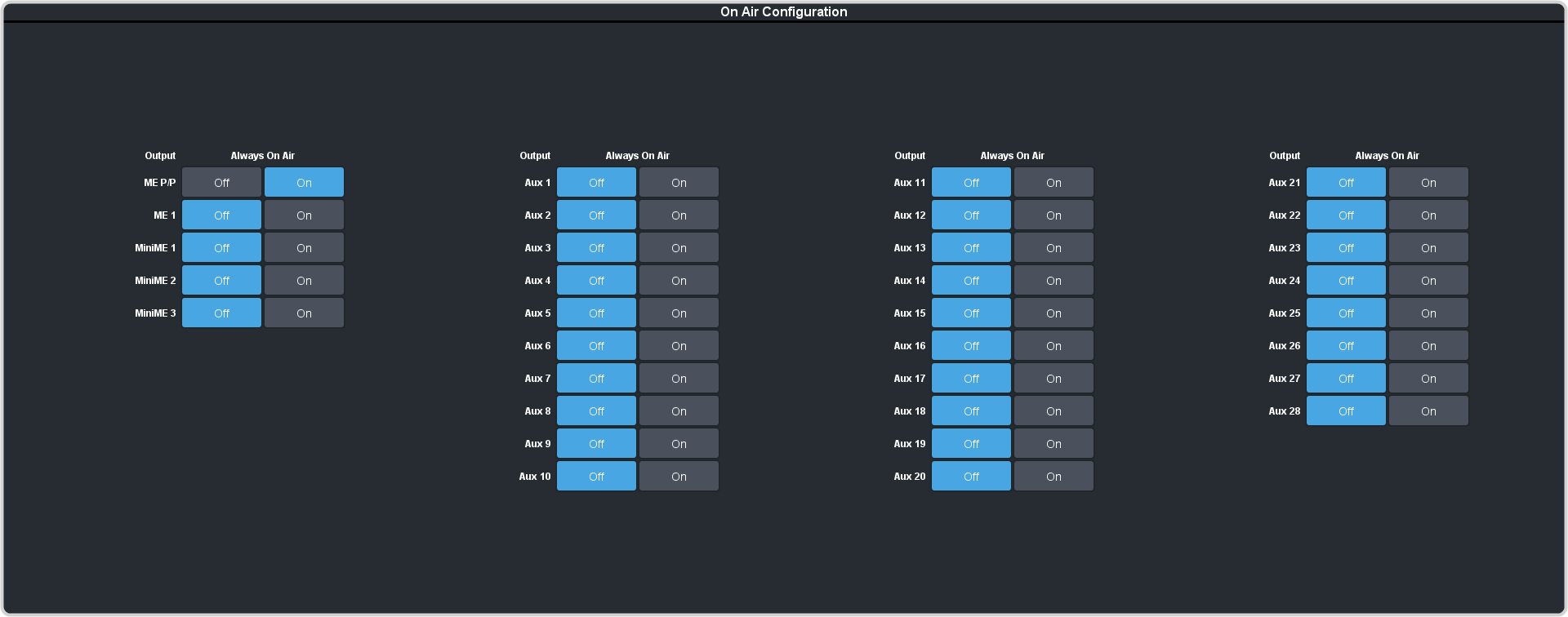

  2. Click an Always OnAir button for a output to select whether the output is considered on-air (On) or not (Off).
    Tip:
    Setting an output to be always on-air tallies sources that are selected on that bus, or are going to be taken on-air with the next transition.
    Tip:
    Set the program output that is assigned to the B-side of a split-ME to ON to tally that side of the split-me.