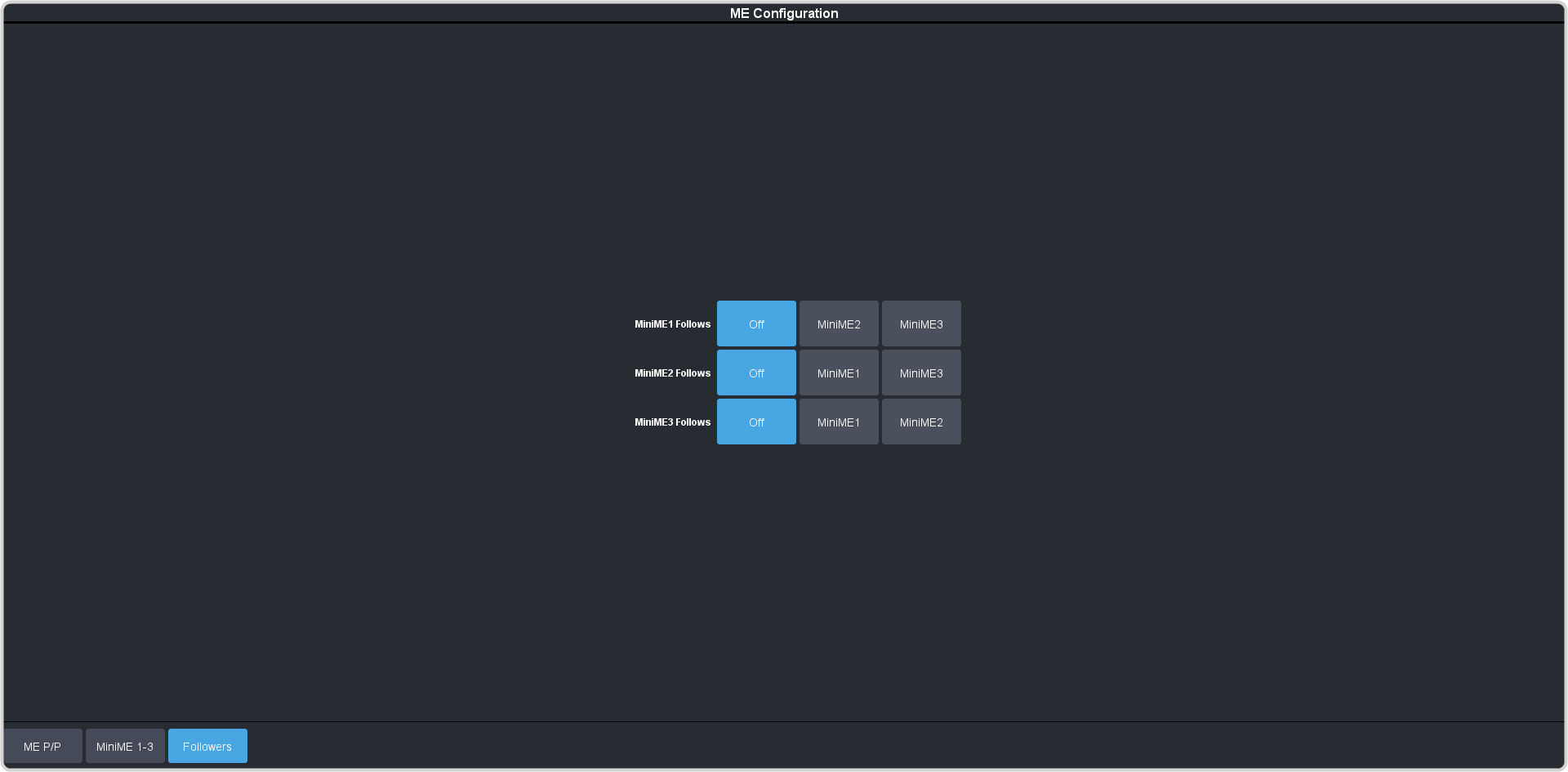
Set an ME or MiniME™ to follow another ME or MiniME™. Actions on the first ME or MiniME™ are duplicated on the following ME or MiniME™.
-
Click Navigation Menu > Configuration > System > ME >
Followers.
-
Click the ME XFollow or MiniME XFollow button for the ME that you want ME or MiniME™
X to follow.
For example, click MiniME 2 in the MiniME 1 Follow row to have actions performed on MiniME™ 2 duplicated on MiniME™ 1.
Note: The MiniME™ follows are only available if the MiniME™ is not being used for a MultiScreen.
You must turn the MultiScreen off to be able to set the follows for the MiniME™.
Tip: Select Off to have the ME or MiniME™ not follow anything.