
To Set Which Keys are Dropped
Set the key priority for keys on ME and MiniME™ outputs.
-
Click Navigation Menu >
Configuration >
System >
ME > ME
x or MiniME
X.
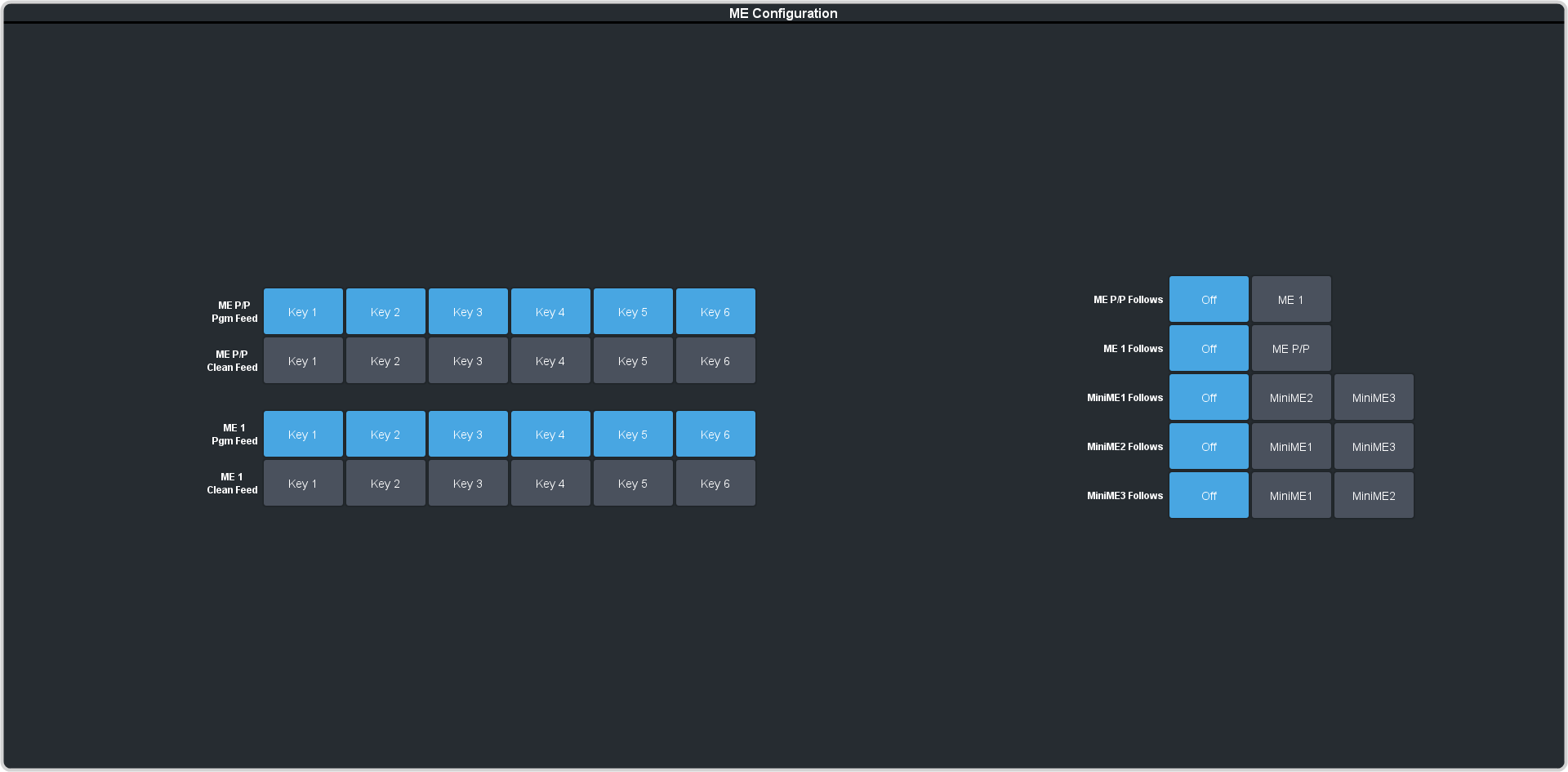
-
Next to the ME X DSK Auto Drop, or MiniME X DSK Auto Drop, select the keys you want to be cut
off-air when a source is selected directly on the background bus of ME
x or MiniME™
x.
Tip:On the TouchDrive panel, press and hold the Key SEL button and tap the Auto Drop button in the vertical row control menu to toggle Auto Drop On or Off for that key.
