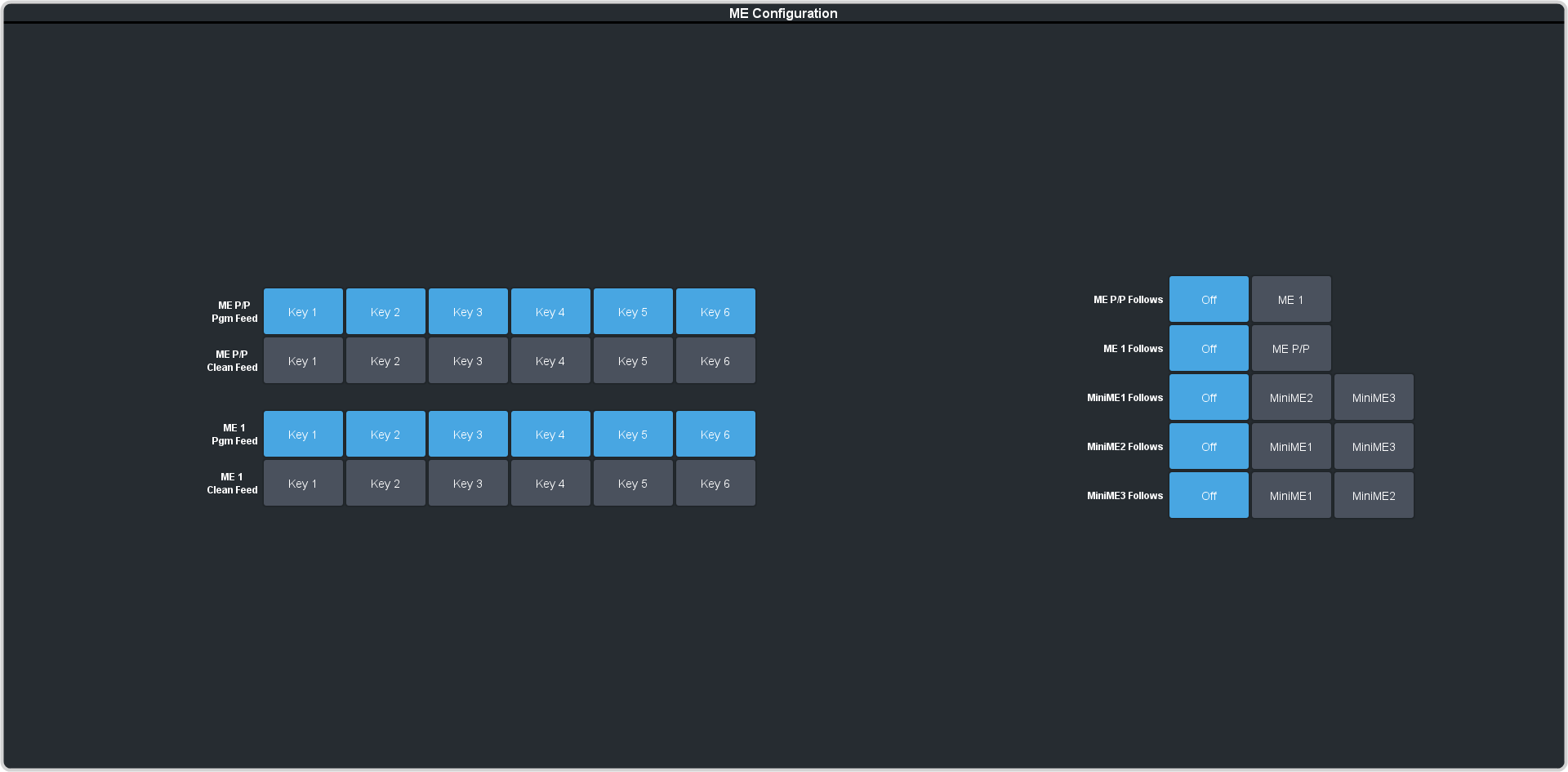
The MultiFeed Configurable Program Output can include any or all of the keys on an ME. This allows you to have multiple outputs of an
ME without any branding for re-broadcast or archival as well create a Split-ME workflow.
-
Click Navigation Menu > Configuration > System > ME > ME x.
-
Click the BKGD/PST button for a Program Output to select whether the program output is using the A-side (BKGD A / PST-A) or B-side
(BKGD B / PST B) of the ME.
-
Click a Key X button for the Programmable Output to select which keys can be included in that feed.
Note: In UHDTV1 you only have 3 program outputs.
Note: The on-air status of the key does not change the inclusion of that key on the Program output. If a key has been excluded from the program output of an ME then it cannot be taken on-air on that program output.
Tip: Deselect the MW button to remove MediaWipe from the program output. The transition will still be performed,
but the media overlay is removed.