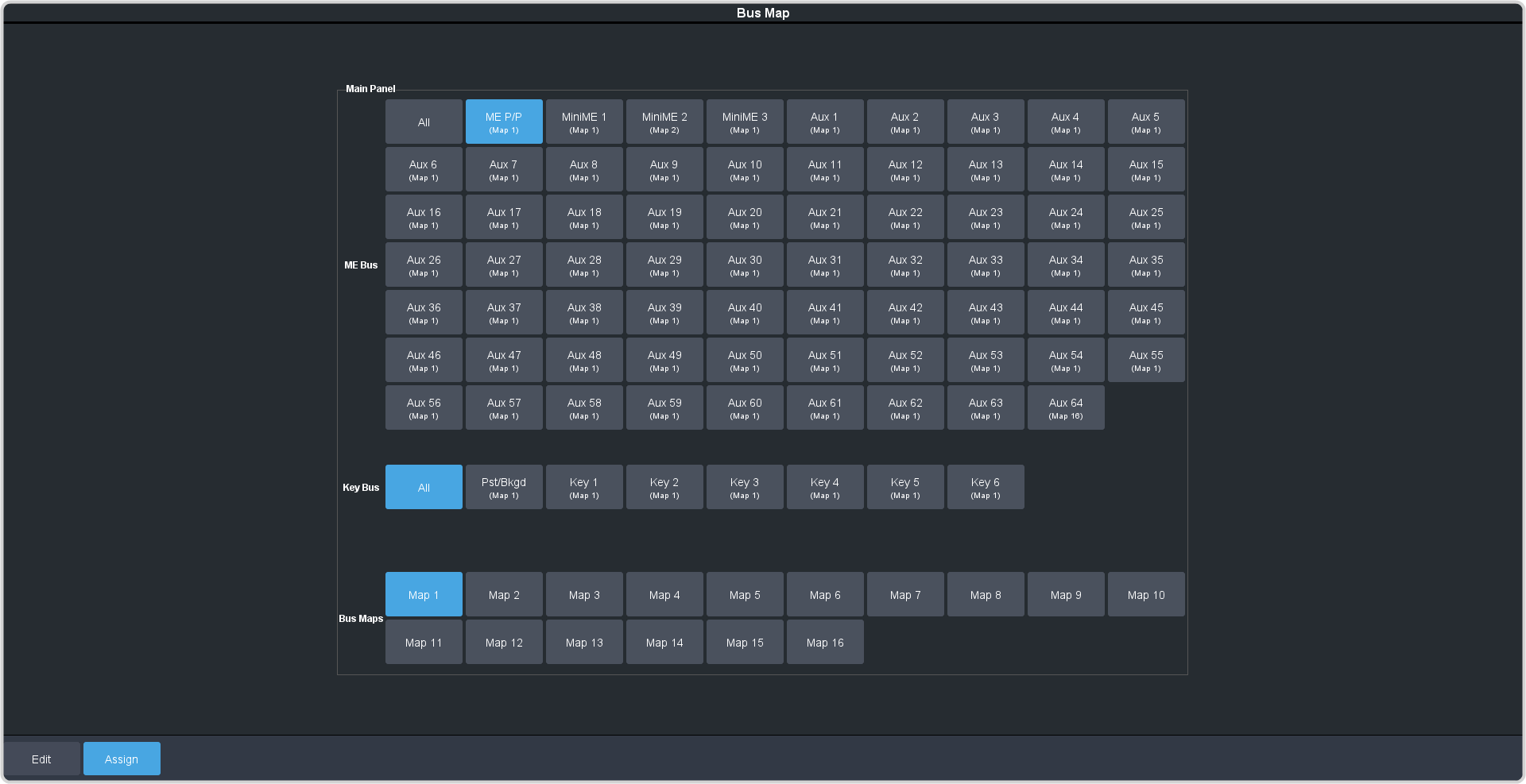
You can assign a unique bus map to each bus accessible by the control panel.
Note: The bus map is unique to the control panel (Main, Sat 1, Sat 2, or Sat 3) and can only be set for that control panel.
-
Click Navigation Menu > Personality > Bus Map > Assign.
Tip: Click All to have the bus map selection apply to all the ME Buses.
-
Click an ME Bus button to select the area that you want to assign a bus map to.
-
If you selected an ME or MiniME™, select the bus you want to assign a bus map to.
- All — assign the new bus map to all buses.
- Bkgd/Pst — assign the new bus map to the Background and Preset buses.
- Key X — assign the new bus map to the selected key bus.
-
Click a Bus Maps button to select the bus map you want to assign to the selected bus.
-
Repeat for each bus you want to assign a new bus map to.