
To Assign an Attachment Map
Assign an attachment map to the ME, or MiniME™ layer that you want it used on.
-
Click Navigation Menu > Personality > Panel Attachment > Assign.
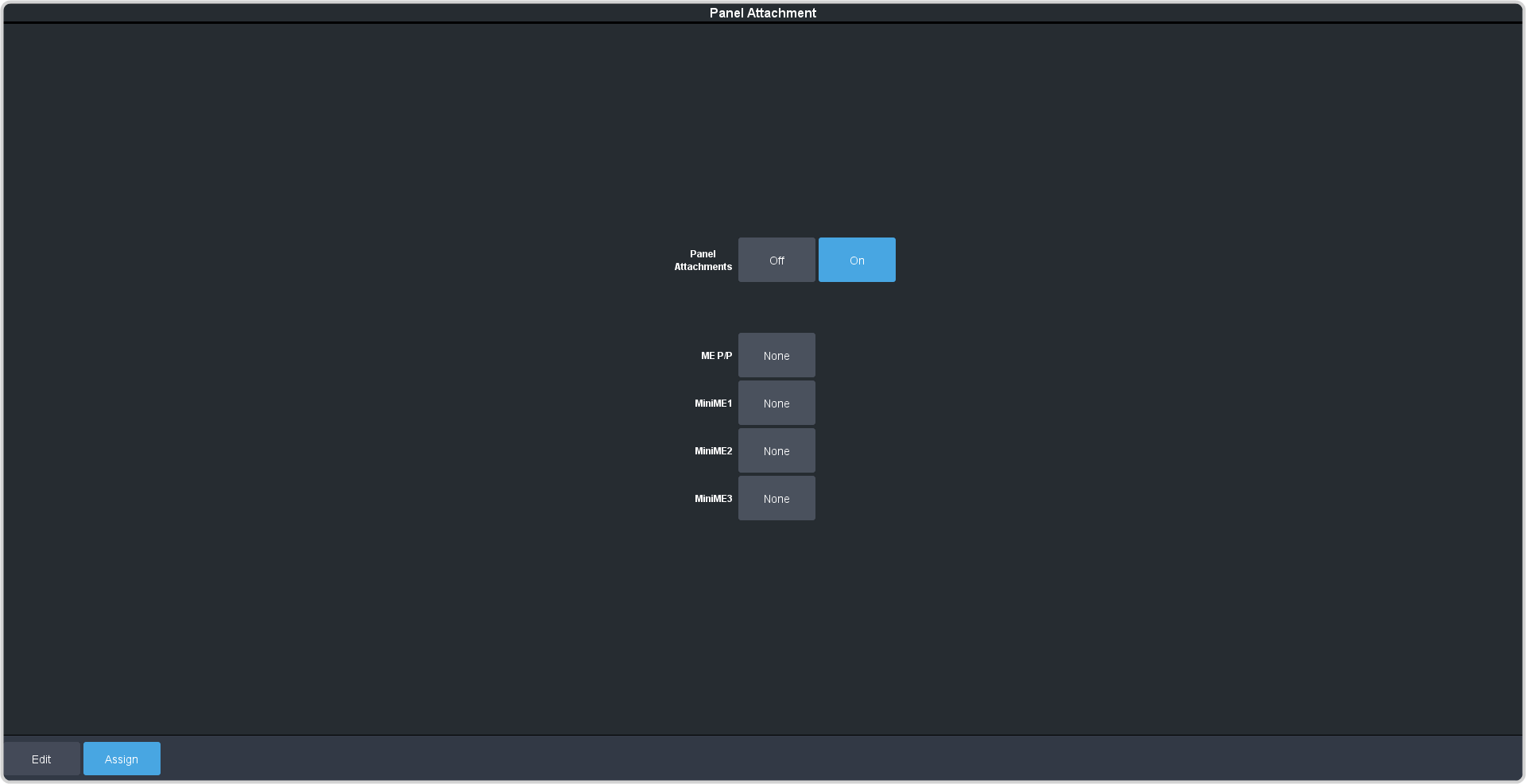
Note:The Panel Attachments button On must be selected for panel attachment to function. -
Click the ME or MiniME button that you want to assign an Attachment Map to.
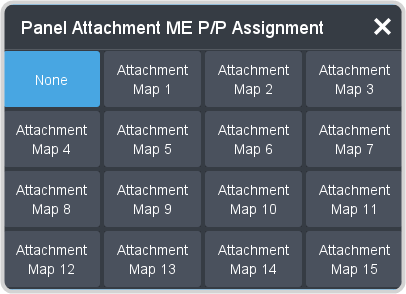
Note:Select None to remove the attachment assigned to that layer.