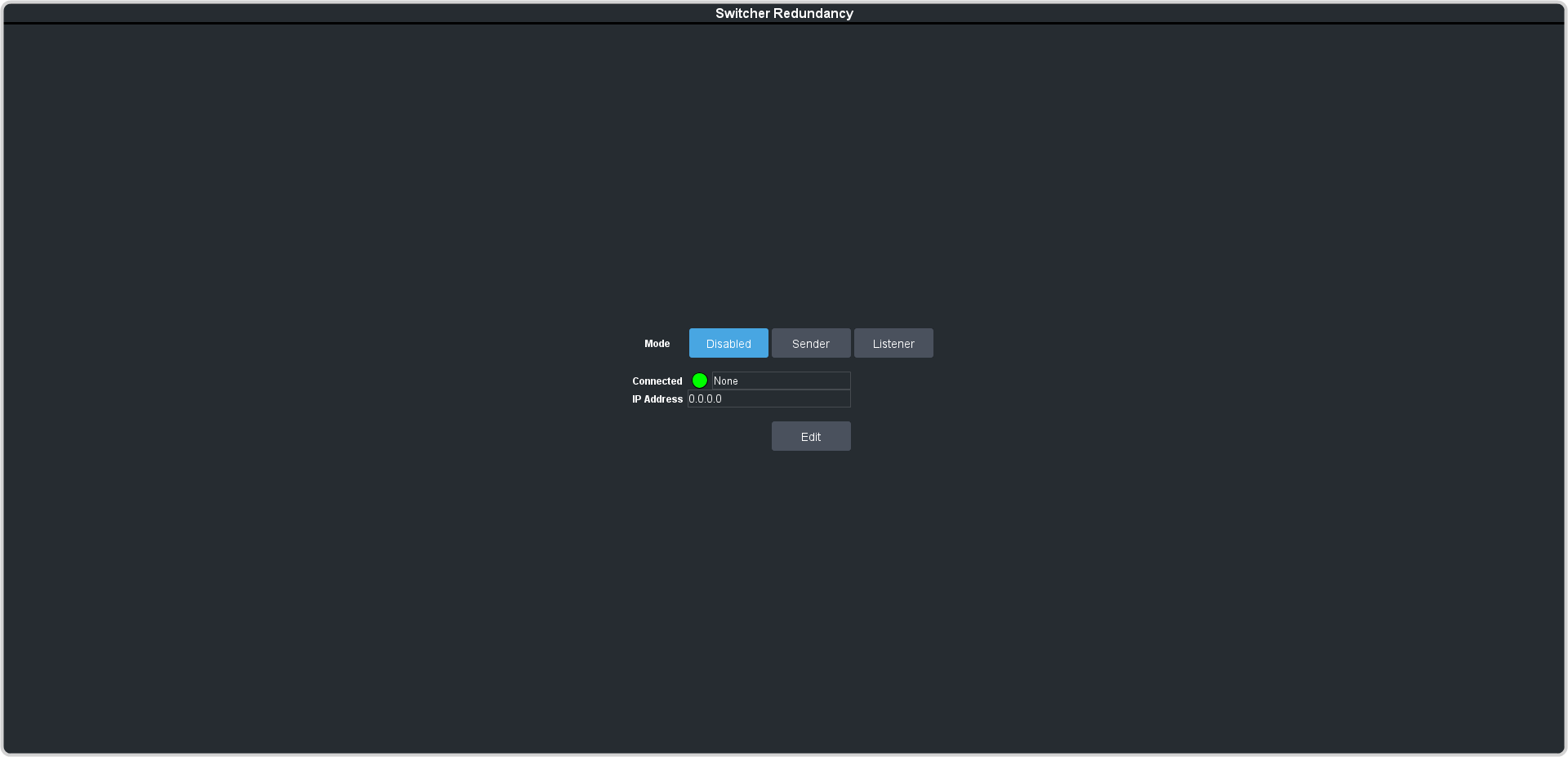
To Set Up a Switcher as the Sender
Assign the switcher as the Sender to send its current state to the Listener.
Note:
The Sender and Listener must start in similar states with similar resources.
-
Click Navigation Menu > Configuration > Network> Redundancy on the switcher to act as the Sender.