
To Set Up a Switcher as the Listener

Assign the switcher as the Listener to copy the state of the Sender and mimic any changes.

Note:
The Sender and Listener must start in similar states with similar resources.
  1. Click Navigation Menu > Configuration > Network> Redundancy on the switcher to act as the Listener.
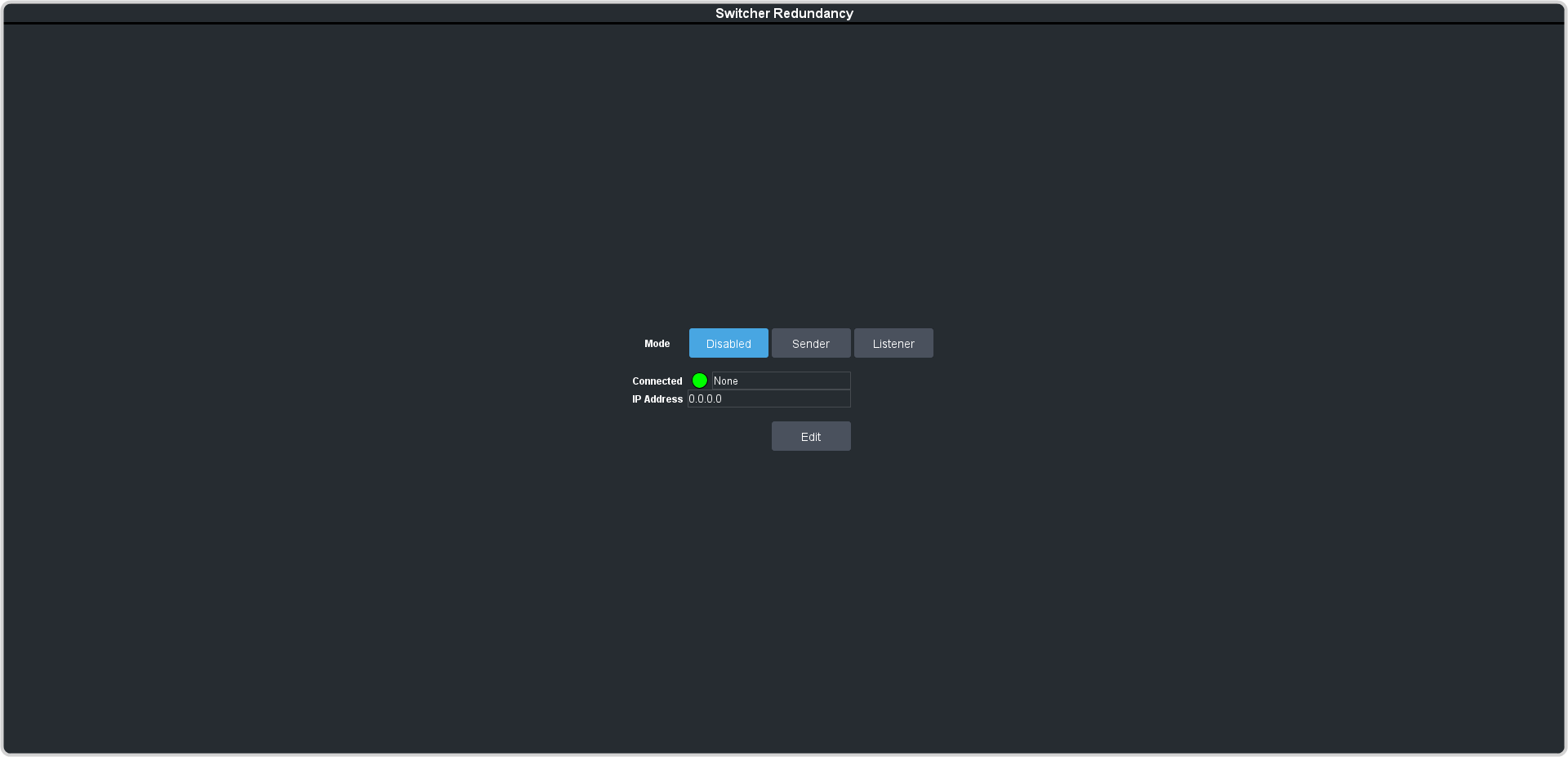

  2. Click Listener.
    Important:
    The Listener does not filter the information being sent to it. If there are more than one Sender connecting to the Listener, the Listener will attempt to follow both Senders at the same time.


    Tip:
    The Connected field will show as Partial until the Sender and the Listener are synced, or if they do not match resources.