
To Create a Switcher
Create a switcher and assign SDPE blades to it.
Tip:
To uncreate a switcher, remove all the non-ME P/P blades from the switcher and apply the changes. You will then have the option to remove the ME P/P blade.
-
Click MaxConfig.
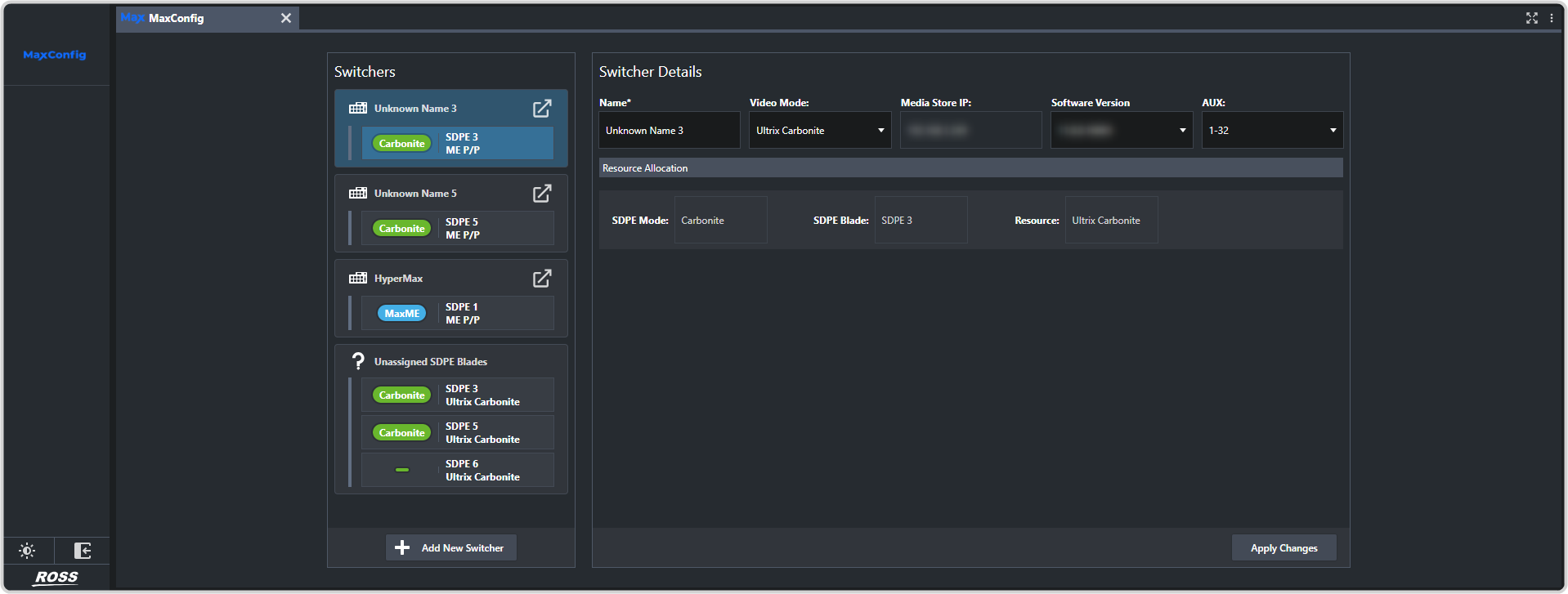
-
Click + Add New Switcher and configure ME P/P for the new switcher.
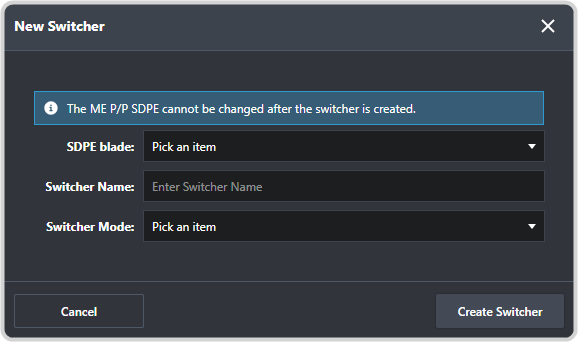
- SDPE Blade — select an unassigned SDPE blade to be used as ME P/P for the new switcher.
- Switcher Name — enter a name for the switcher. The name is only shown in the configurator.
- Switcher Mode — select a HyperMax mode to have the new switcher operate in HD or UHDTV1.