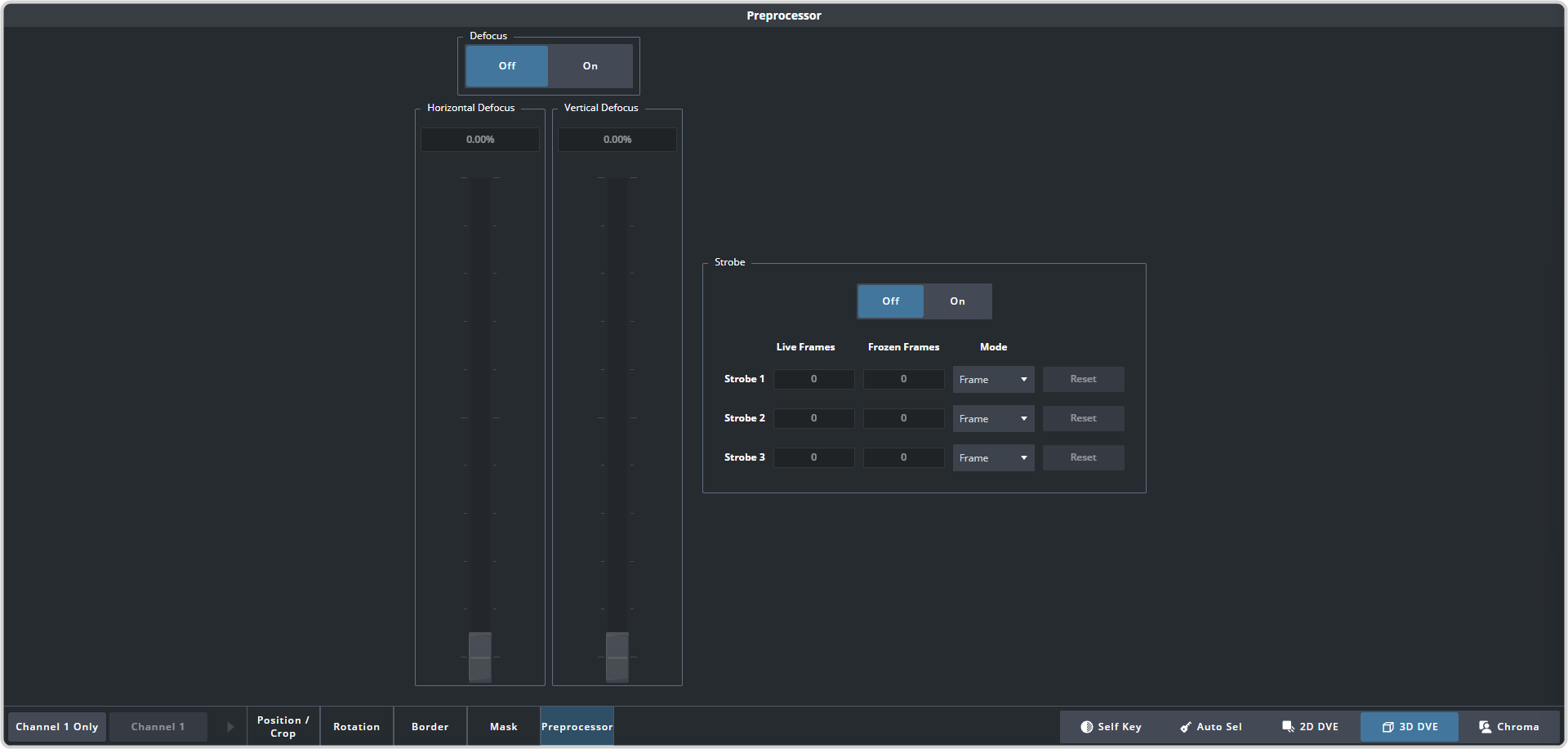
The Strobe effect alternates between freezing and playing the live video of the channel. There are three strobe generators that can be used to apply a serialized strobe to create various
pulldown effects.
-
Click Navigation Menu > Live Assist > MEs and select the ME and key that you want to set up.
Tip:
You can use the same procedure for a MiniME™.
-
Click 3D DVE > Preprocessor
-
Click the On button for Strobe.
-
On the Mode list for Strobe 1, select how strobe is applied.
Note: If the switcher is operating in a progressive video format the field 1 and 2 selection are not available.
- Frame — strobe is applied to the entire frame of video.
- Field 1 — strobe is only applied to the first field of video.
- Field 2 — strobe is only applied to the second field of video.
-
Select the number of live and frozen fields/frames you want for Strobe 1.
- Live — select the number of live fields or frames you want before the frozen ones.
- Frozen — select the number of frozen fields or frames you want after the live ones.
-
Repeat these steps for the remaining strobe generators if required.
Note: The strobe values are applied in series starting with Strobe 1.
Tip: To remove a strobe effect, set the values to 0.