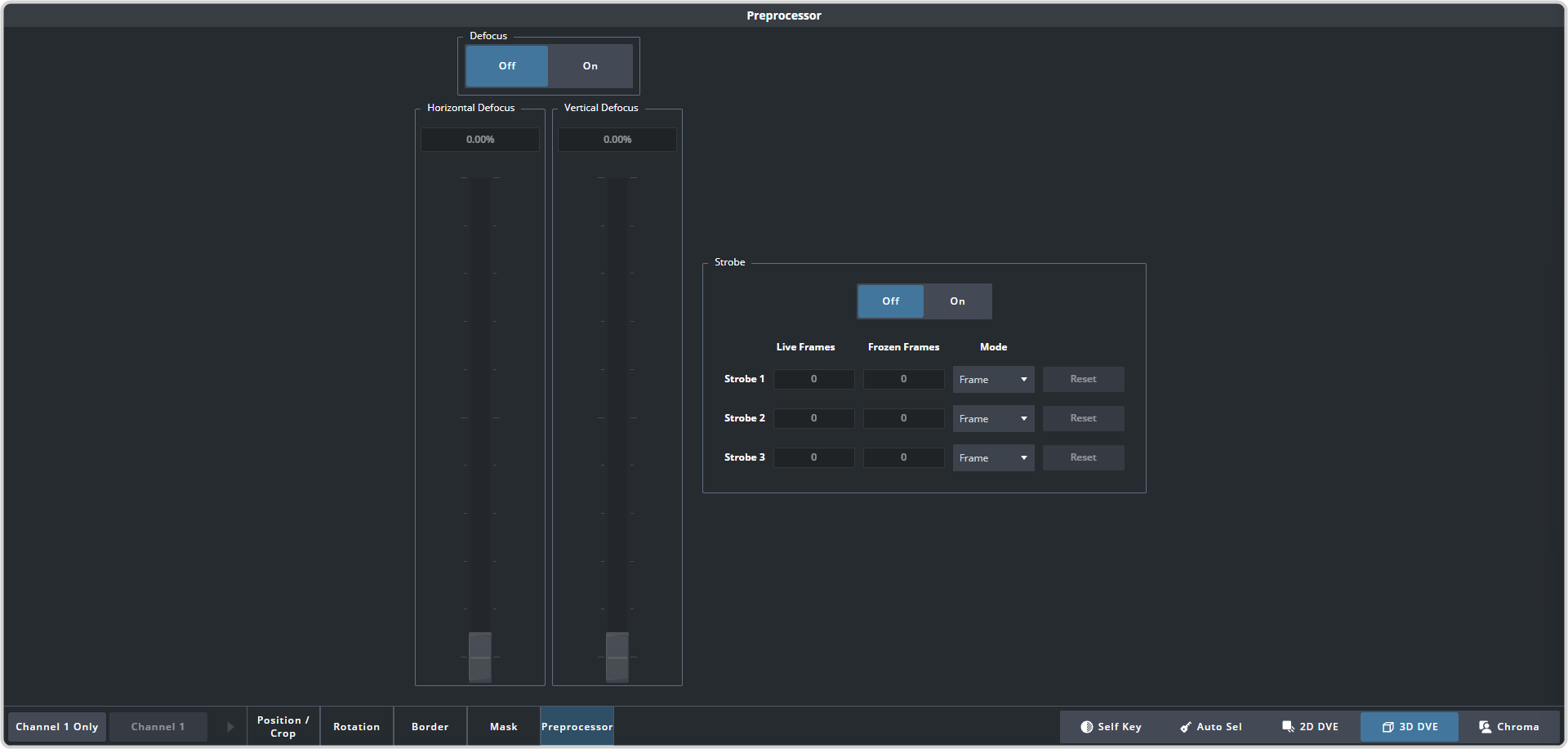
The Defocus effect adds a horizontal and vertical blur to the image on the channel.
-
Click Navigation Menu > Live Assist > MEs and select the ME and key that you want to set up.
Tip:
You can use the same procedure for a MiniME™.
-
Click 3D DVE > Preprocessor
-
Click the On button for Defocus.
-
Use the Horizontal Defocus and Vertical Defocus sliders to select the amount of defocus you want to use.
- Horizontal Defocus — select the amount of horizontal defocus you want to use.
Tip: The ultrawide nature of the defocus means the effect is more
visible horizontally than vertically.
- Vertical Defocus — select the amount of vertical defocus you want to use.