
To Store a Set
Switcher Sets can only be stored to a USB drive. The USB drive must be present before you try to store the Set.
Note:
If you are updating an older setup file, you must perform a Recall All followed by a Store All. This updates the setup files to the latest format. You can
then make changes and store to individual registers if needed.
Tip:
The switcher provides 10 empty sets by default. Additional sets can be created if you rename the sets on the USB from a separate
computer.
-
Click Navigation Menu > Configuration > System > Save Sets.
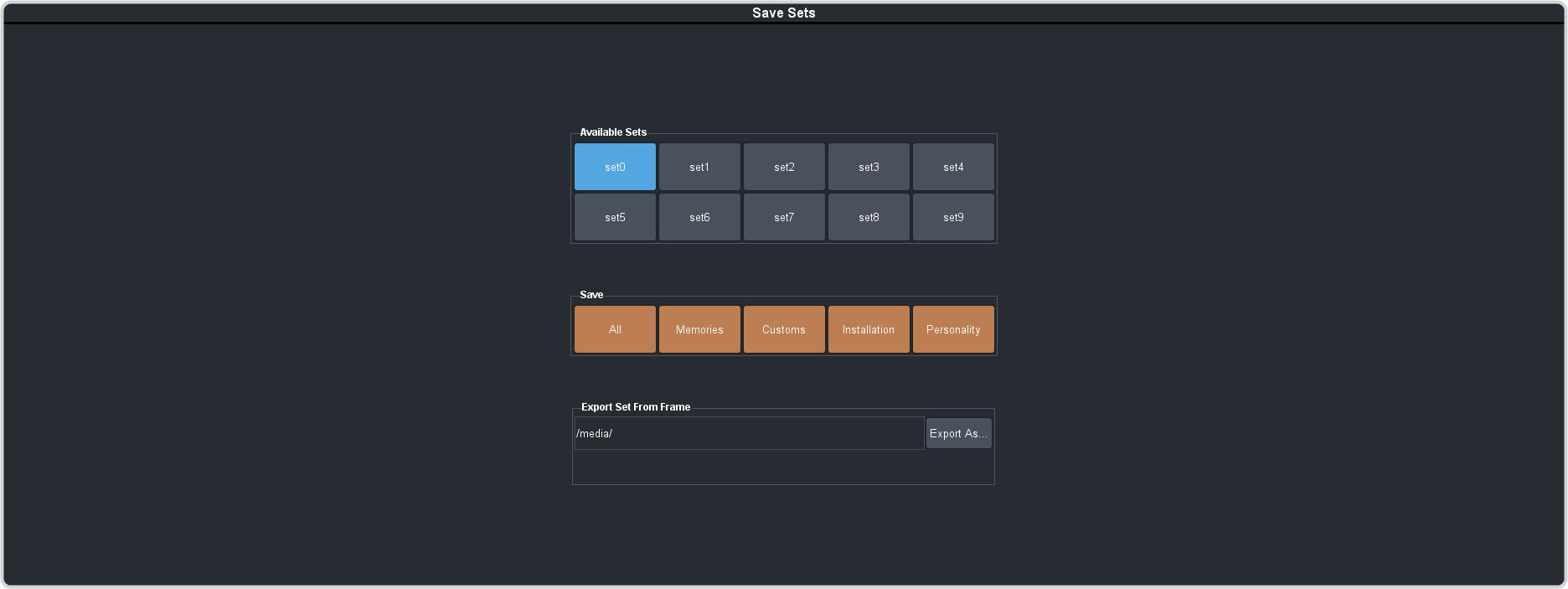
The registers are stored to the set on the USB.
Tip:
You can export the switcher set to your local computer in the Export Set From Frame area. Click Export As... and navigate to the
folder where you want to store the file and enter a name. Click Save and then Export.