
To Set the Number of Configurable Audio Faders (Channel)
Set the number of audio faders, or channels, that the mixer has.
-
Click Navigation Menu > Audio Mixer > Config.
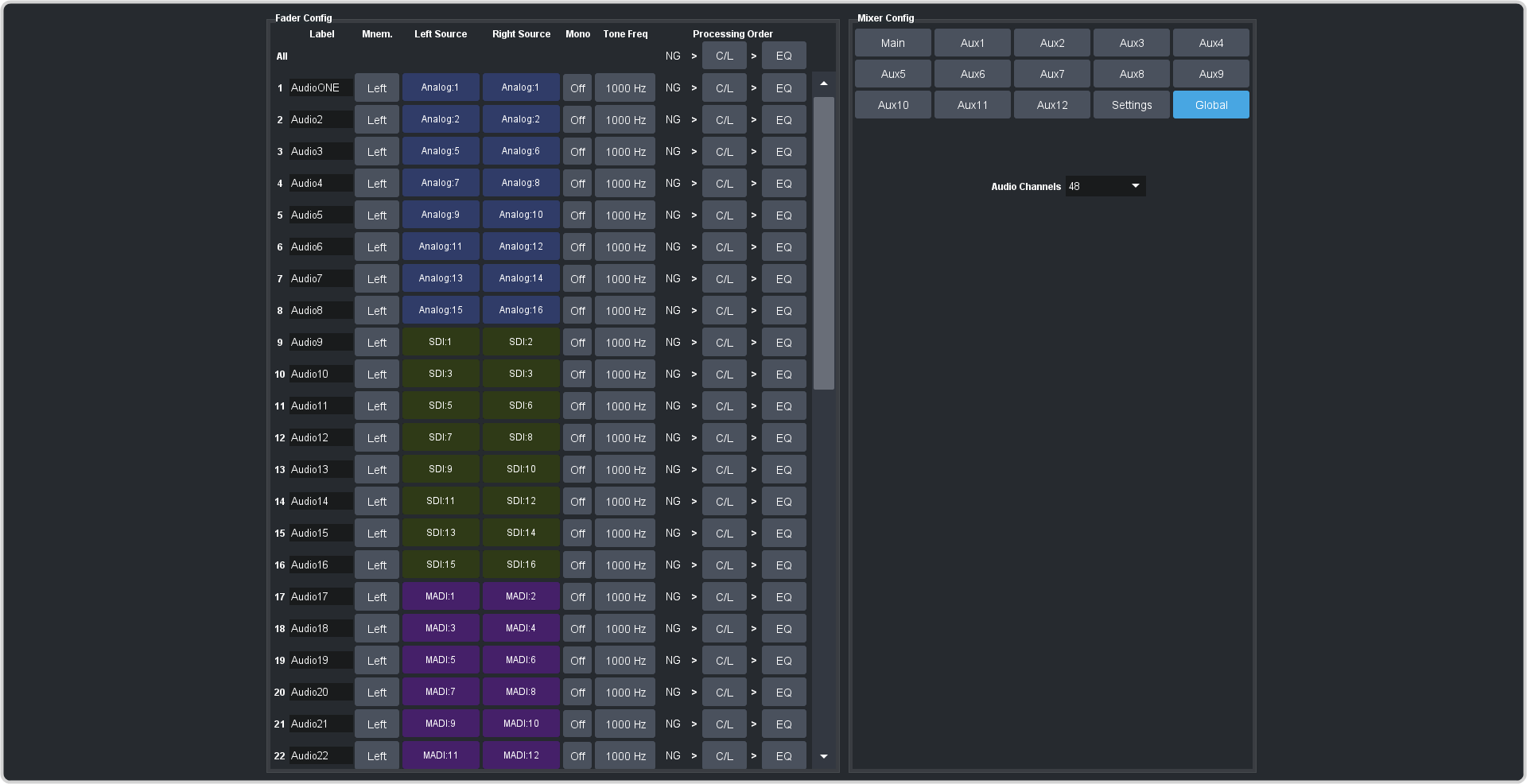
Set the number of audio faders, or channels, that the mixer has.