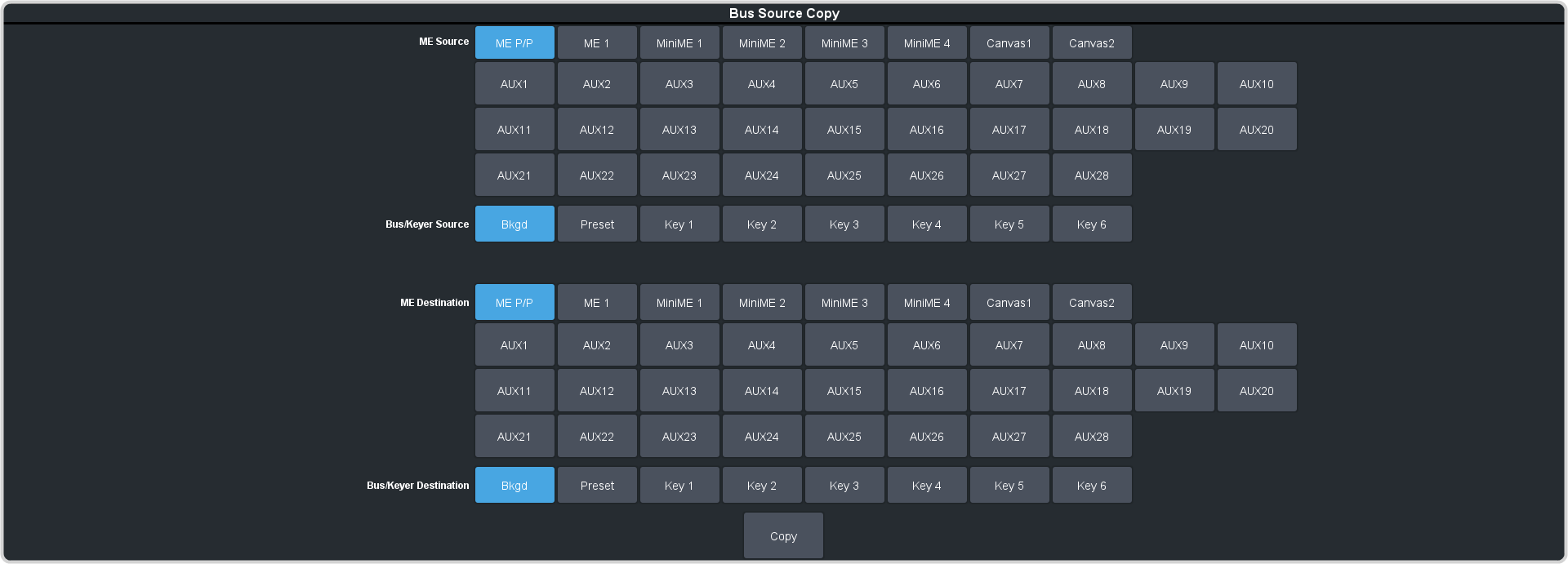
Copy the contents of a bus to another.
-
Click Navigation Menu > Live Assist > Copy > Bus Copy.
-
Click an ME Source button to select the ME, MiniME™, Canvas, or AUX that contains
the bus you want to copy.
-
Click a Bus/Keyer Source button to select the bus you want to copy from.
-
Click an ME Destination button to select the ME, MiniME™, Canvas, or AUX that
contains the bus you want to copy to.
-
Click a Bus/Keyer Destination button to select the bus you want to copy to.
-
Click Copy.