
v3.0.0 Features
Ross Platform Manager Licensing
RPM licenses are issued by the Ross Activation Server under a Customer Product Key. The Product Key is then added to a Ross Platform Manager that multiple switchers can access to request software licenses. Each switcher must request and release licenses from/to the Ross Platform Manager.
RPM licenses can easily be requested or released from a switcher to a pool of licenses on the Ross Platform Manager. This allows you to move licenses between different studios depending on production needs by releasing licenses from one switcher and requesting them by another.
Multiple systems can be activated or deactivated from the shared license pool. If the licensing server becomes temporarily unavailable, a grace period allows the switcher to continue operating while the connection is restored.
Custom Control Logic
Custom controls now support basic logic so that a single custom control can branch on the state of the switcher. A new Logic event category adds IF, ELSE IF, ELSE, and END events that can be inserted into the custom control timeline, along with up to 1000 user-defined CC variables that can be set, defaulted, deleted, or modified with simple math operations.
Conditional events can test bus sources, aux follows, key types, on-air and transition state, media contents and play status, transition inclusions and rates, on-air status of MiniME™s, and aux buses, and the value of any CC variable. Events between an IF and its END run only when the condition is true, allowing a single custom control to behave differently depending on what is currently happening on the switcher.
Frame Redundancy
Two switchers can now be set up in a Sender and Listener pair. The Sender is the primary switcher for your production and the Listener is the redundant or backup switcher. Both the Sender and Listener should be configured similarly with the same media assets. When an action is performed on the primary switcher, it sends that command to the redundant switcher. If the primary switcher goes down, the redundant switcher can be used to continue the production.
Expanded TouchDrive Panel Support
Support has been added for the TD3, TDx3, TD4, and TDx4 panels.
Panel Attachments
You can now attach a custom control, or any other user select function, to any physical button on the TouchDrive control panel. When the button is pressed, the attached function runs in addition to, or instead of, the button's normal behavior. Attachments are organized into maps, and each map can be assigned to a layer, so the same button can perform a different action depending on which layer the row is controlling.
Each attachment can be set to Pre (run before the button's normal function), Post (run after), or Replace (run instead of the normal function). Attachments are part of the switcher personality and can be enabled or disabled per connection with a user select. A frame-based delay can be added between the attached function and the button's normal function.
Memory Effects Dissolve Motion Control
Effects dissolve recalls now support four motion control options that shape how each attribute interpolates from its starting value to the value stored in the memory:
- Smooth (default) — starts slow, accelerates through the middle, and decelerates into the final position.
- Linear — interpolates at a constant speed for the entire effect.
- Ease-In — starts fastest and decelerates continuously into the final position.
- Ease-Out — starts slowest and accelerates continuously into the final position.
Motion control is stored with each memory and can be overridden on recall just like effects duration. The setting can be selected from the Memory Store and Memory Recall pages in DashBoard, and from the panel by holding EFF DISS in either store or recall mode.
Any Row, Any Bus
Key, Aux, background, and preset buses can now be assigned to supported panel rows. Row assignments can also be locked to prevent accidental changes during operation.
3D LUT Support for Media-Store
You can now assign Adobe® .cube 1D and 3D LUT files to Media-Store items. The Color LUT file is assigned to the media item in the database and is used whenever that media item is loaded. Each Color LUT file can be used in the Type I or III workflow, depending on your operational needs.
Multiple Frames - Single Panel
A single TouchDrive panel can now control up to 4 switchers at the same time. Each row of the panel can be assigned to any of the connected switchers, making it easy to run distributed systems or keep a backup ready on one row while the main production runs on the others.
When more than one switcher is connected, the row control menu on each row allows you to select the switcher. Each row inherits the color scheme, personality, bus maps, user select assignments, and feature set of the switcher it is assigned to, so a row behaves as if the panel were directly connected to that frame.
Expanded Custom Control Capabilities
Key Priority can now be controlled from a Custom Control. You can select an ordered set of keys and store the priority for MiniME™ layers in a memory.
Additional Custom Control events have been added for Flex Control assignments, bus-map assignments, memory recall behavior, effects timing, motion control, Media-Store attributes, masks, Ultrix™ source assignments, and enabling or disabling devices.
Custom Controls can also be made self-cancelling so that they stop automatically after the workflow is complete.
RossTalk and GPI Updates
RossTalk has been expanded with status queries, NTP configuration, GPI high and low control, and additional set-export options.
GPI inputs can now have separate actions for their low and high states. GPI and GPO status information is also available for use in custom DashBoard panels.
RossTalk Disable
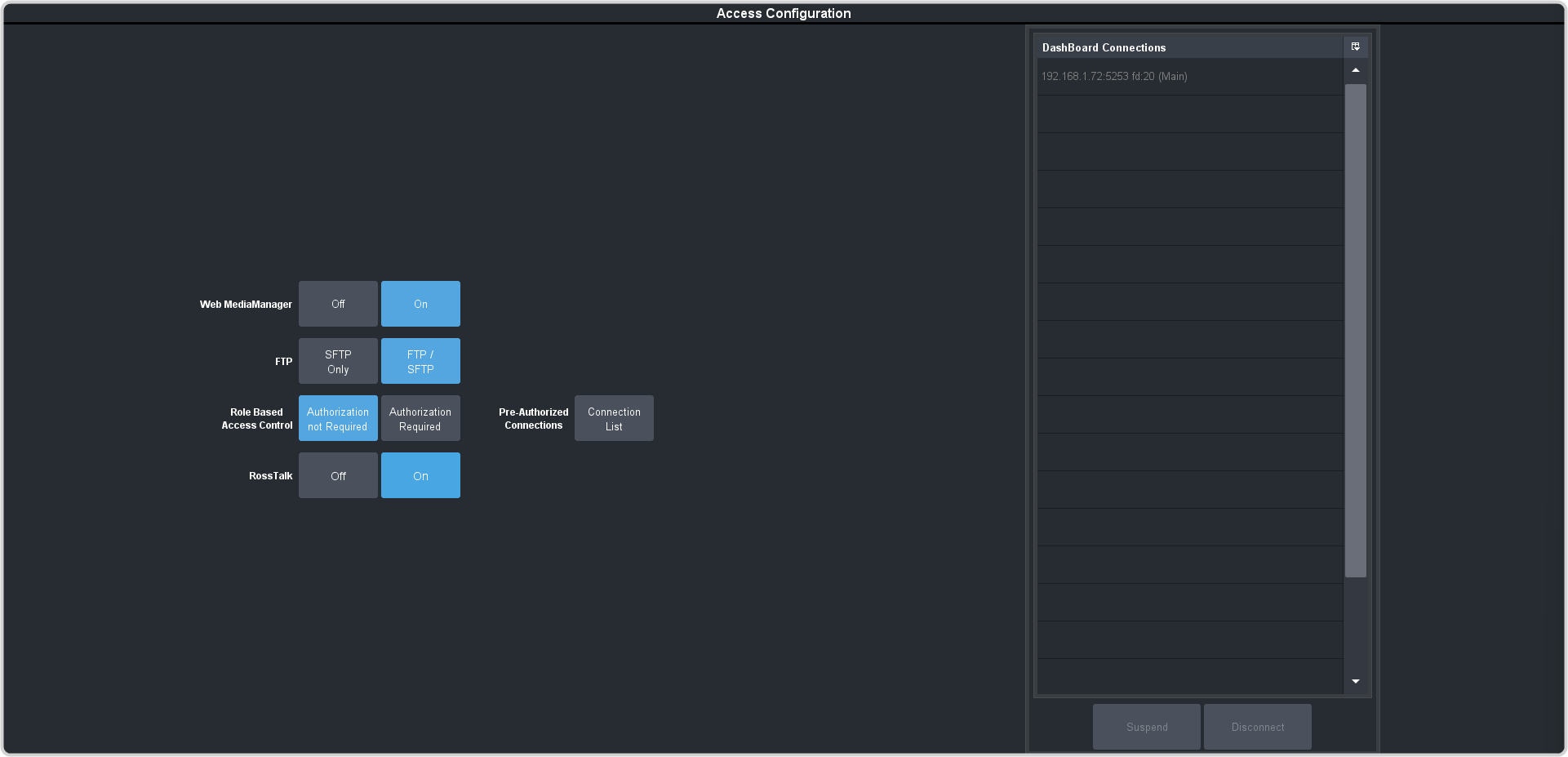
You can now disable RossTalk connections to the switcher. The switcher refuses connections on port 7788.
TouchDrive Panel Lock
You can now lock the entire TouchDrive panel, or individual buttons on the panel, to prevent accidental presses on rows that are not being used. Holding any Touch Lock button and pressing Menu Lock engages Total Panel Lock, which disables every module except Touch Lock and Menu Lock. Repeating the same action releases the lock.
To lock a single button, hold Touch Lock and press the button you want to lock. Locked buttons have their backlight turned off and ignore all presses. Holding Touch Lock displays an Unlock All Buttons on This Row option for that row, and pressing a locked button while the panel is in normal operation flashes Touch Lock pink to confirm that the press was intentionally blocked.
Menu Lock and fader locking are also available on supported panels.
Store Memories From Panel Without Memory Area
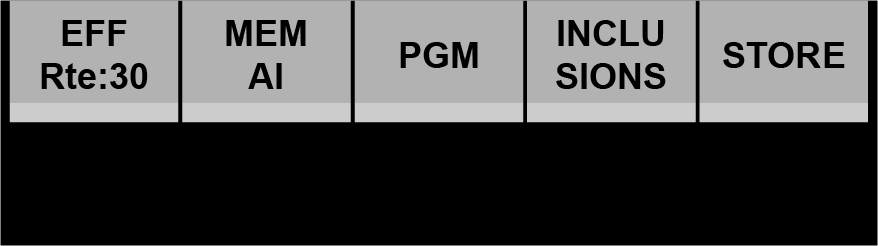
Some of the TouchDrive control panels do not have a dedicated Memory area. You can now store and recall memories, on all panel sizes, using the source button on the panel row. When you assign the key bus on a row to a memory bank, the last five source buttons, on the right of the key bus, change to represent memory functions. These buttons allow you to set whether you are storing or recalling a memory, setting the memory inclusions, and setting the memory recall mode.
Panel and Memory Enhancements
- Media-Store X and Y position can now be stored in and recalled from memories.
- Memory inclusions can be configured per panel, and memory controls include additional MiniME™ and Canvas layers.
- Input banks, configurable Shift levels, and automatic skipping of empty bus maps have been added.
- Source names are shown on supported panel vertical displays, and Custom Control names are improved in User Select menus.
- Additional panel options are available for memory buttons, memory undo behavior, aux delegation, Flex Control brightness, and MiniME™ color schemes.
Individual Bus Maps
Bus maps can now be assigned to individual buses separately. This allows you to assign a different map to a keyer bus than the background/preset bus.
Looping Shift
Multiple shift buttons can now be replaced with a single shift button that loops through all the shifted buses. Press the looping shift button repeatedly to go to the next shift bus until coming back to the main bus. The loop progresses through the shift buses in one direction only.
Bus Substitution
The substitution tables have been expanded to include MiniME™ as well as specific buses on the MiniME™, and Aux buses.
Key Auto Drop
The Key Auto Cut, or DSK Auto Drop, feature sets whether or not the keys are cut off-air when a source is selected directly on the background bus of the control panel.
Key Auto Drop automatically cuts the selected keys off-air when a source is selected directly on the Background bus (hot punched) of the ME or MiniME™ on the control panel.
TSL 5 over UDP
TSL 5 tally information can now be received over UDP in addition to the existing TCP connection.
Access Configuration Menu
Configuration items that control how the switcher is accessed remotely, or through user profiles, have been moved to a separate menu.
System Administration Updates
- NTP, date, time, and time-zone settings can now be configured from DashBoard.
- Connection management now shows connection details and provides options to force a connection when the system limit is reached, suspend or disconnect a connection, and clean up inactive switcher entries.
- Applicable licenses can be shared between Mosaic and Ultrix Carbonite operating modes.
Workflow and Interface Updates
- Custom Controls are available in Live Assist, allowing you to run them without dedicating a Custom View.
- Input and Custom Control names support longer labels and multi-line mnemonics.