
To Set the Switching Field
Set the field that transitions are performed on when operating in an HD video format.
-
Click Navigation Menu > Configuration > System > Global.
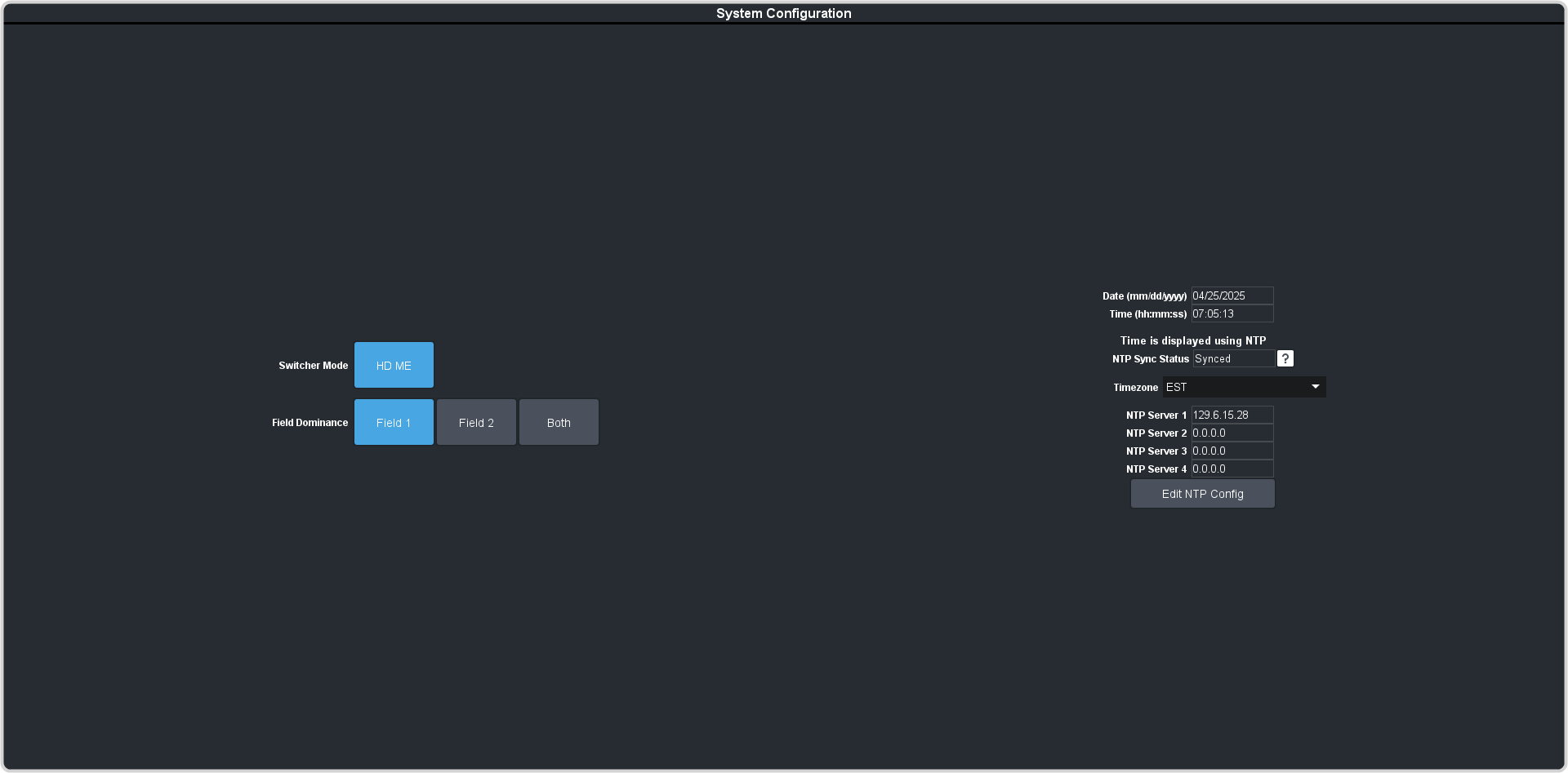
Set the field that transitions are performed on when operating in an HD video format.