
To Configure Advanced Networking
Select an internal or external network.
Important:
Only change the Advanced Networking settings when instructed to do so by Ross Video Technical Support.
-
Click MaxConfig > Advanced Networking.
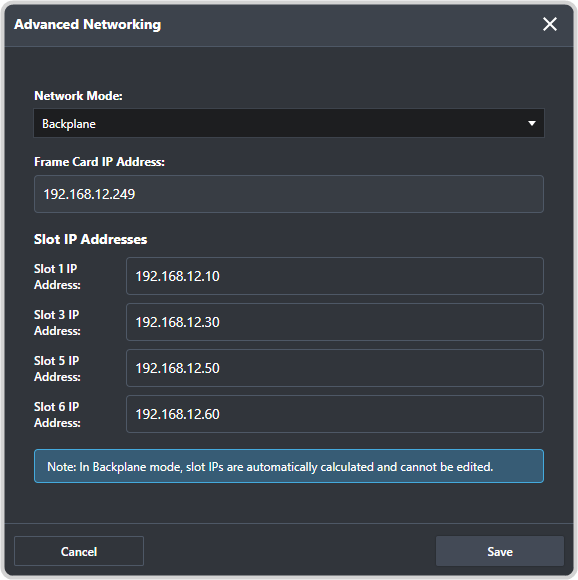
- Network Mode — select whether to use the standard internal Ultrix™ network (Backplane) or an external
network (External).Important:If you select an External network, a dedicated closed network should be set up between the CPU and all the SDPE blades.
- Slot IP — the fixed internal IP address (Backplane) or configurable external IP address (External) of each blade.
- Network Mode — select whether to use the standard internal Ultrix™ network (Backplane) or an external
network (External).