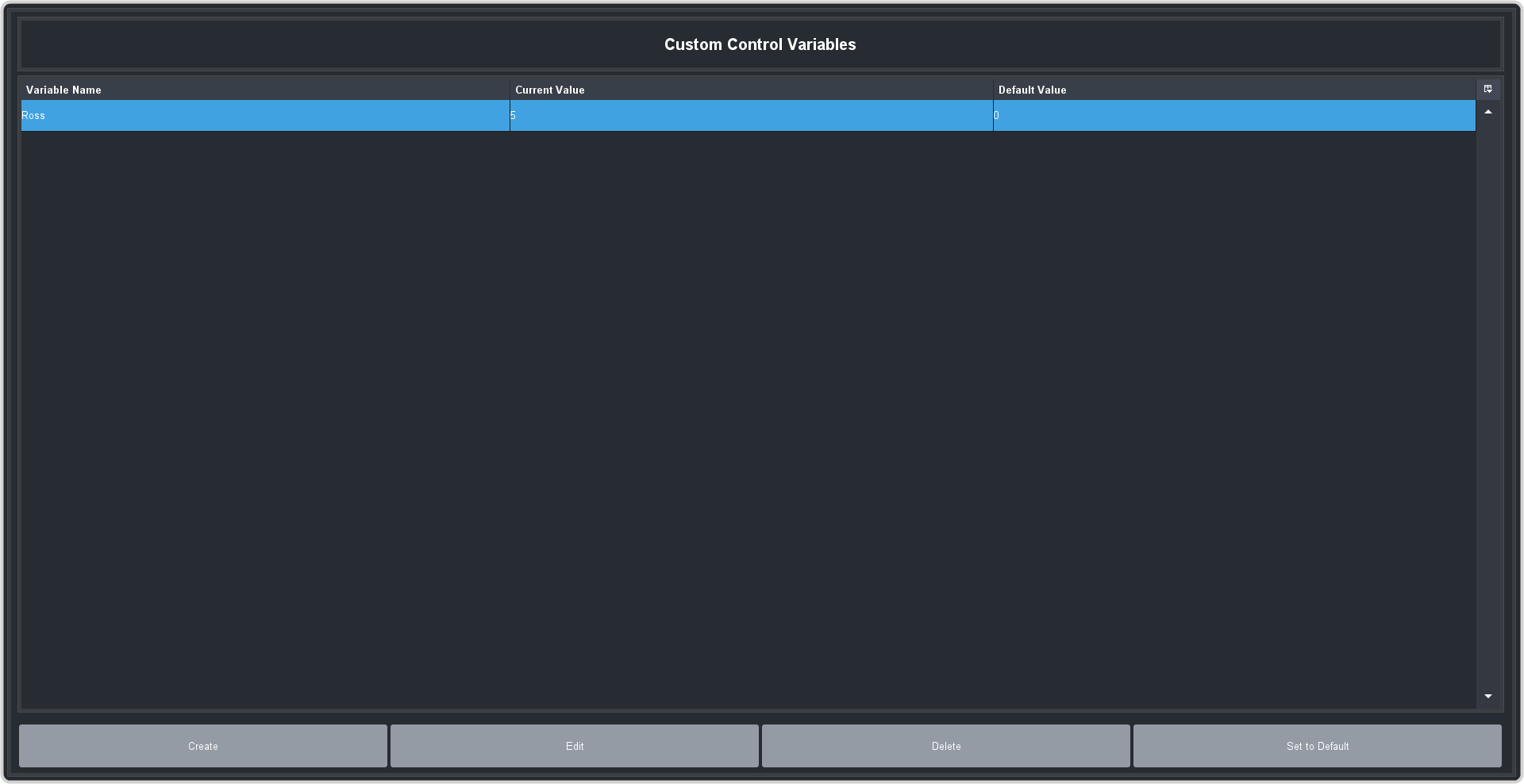
Custom control variables can be used in logical expressions to track values.
-
Click Navigation Menu > Custom Control > Variables.
-
Click Create to create a new event, or Edit to edit the currently selected variable.
-
Enter the values you want for the variable.
Tip: Variable values must be an ASCII string or numerical value. The value must be a number to perform addition, subtraction, or logical comparisons.
- Variable Name — enter the name you want to use for the variable. Names are case sensitive.
- Current Value — enter the current value you want to apply to the variable. This is the value that can be tested against and edited using CC-Logic and RossTalk.
- Default Value — enter the default value you want to apply to the variable.