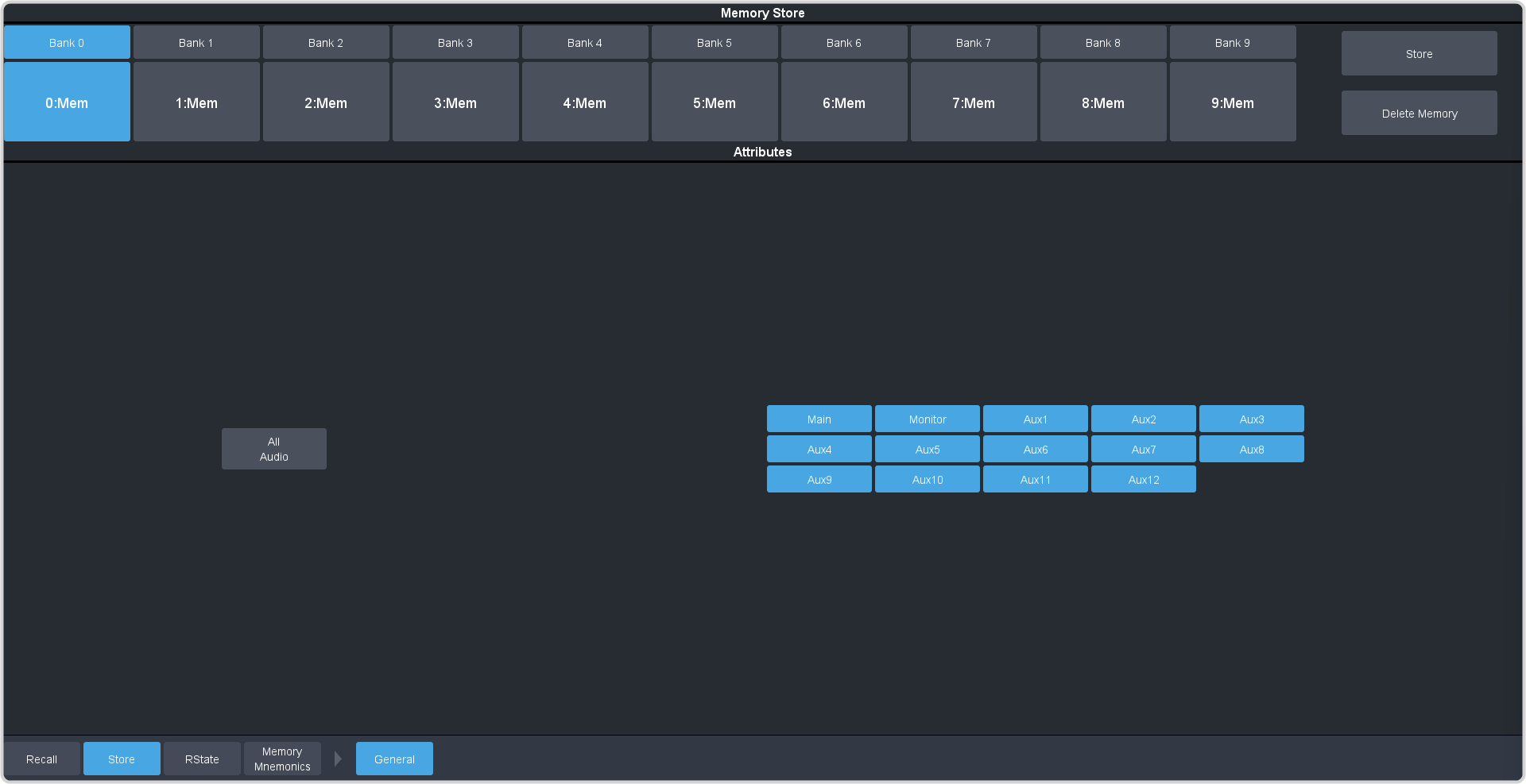
To Store a Memory How to store a memory. Click Navigation Menu > Audio Mixer > Memory > Store > Audio. In the Memory Store area, click the Bank X and X:Mem button for the bank and memory register that you want to store to. Tip: If a memory register contains a memory, the button glows purple. The currently selected memory register glows blue. Select the mix layers you want to include in the memory. Main — set whether the configuration of the main audio mix is recalled. Monitor — set whether the configuration of the monitor audio mix is recalled. Aux X — set whether the configuration of the aux audio mix is recalled. Click Store to store the memory.