
To Recall a Memory
How to recall a memory using DashBoard.
-
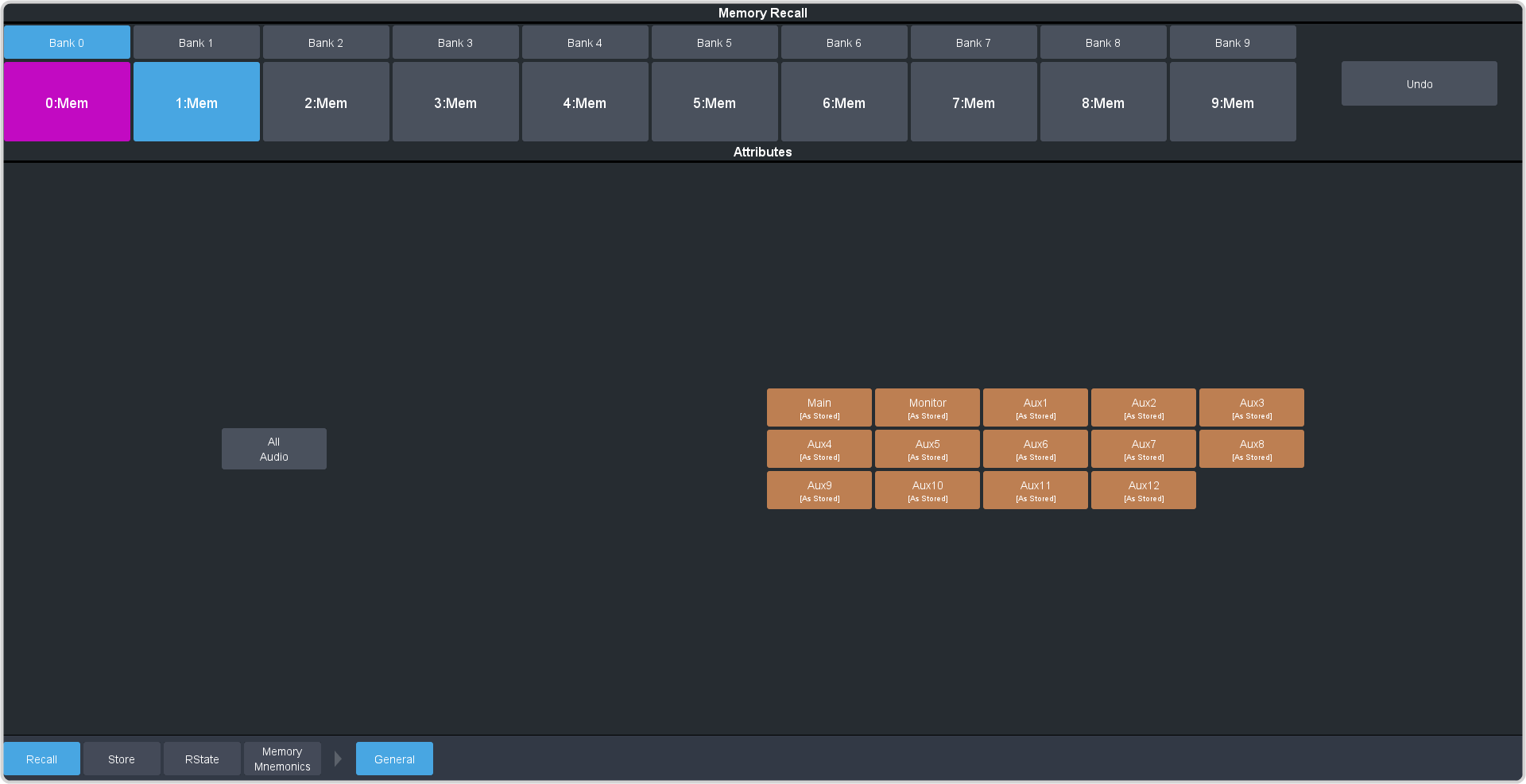
Click Navigation Menu > Audio Mixer > Memory > Recall > Audio.
-
Select the mix layers you want to recall with the memory.
Color Description 
As Stored — the memory attribute is recalled exactly as it was stored in the memory. 
Recall — the memory attribute is recalled with the memory, even if the attribute was not set to be stored with the memory. 
No Recall — the memory attribute is not recalled with the memory, even is the attribute was set to be stored with the memory. - Main — set whether the configuration of the main audio mix is recalled.
- Monitor — set whether the configuration of the monitor audio mix is recalled.
- Aux X — set whether the configuration of the aux audio mix is recalled.