
To Name a Custom Control
The procedure to name or rename a custom control is the same.
Tip:
You can also name a custom control and bank from the Editor page.
-
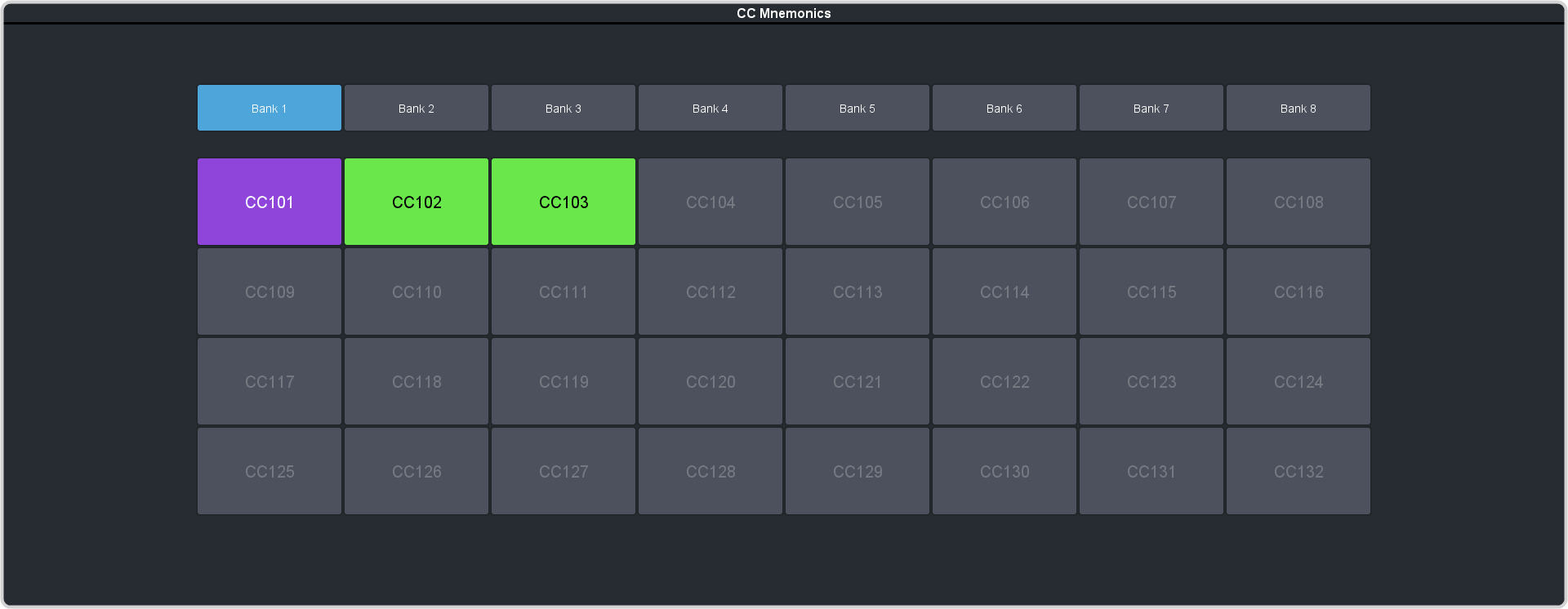
Click Navigation Menu > Custom Control > .
-
Click the custom control that you want to name.
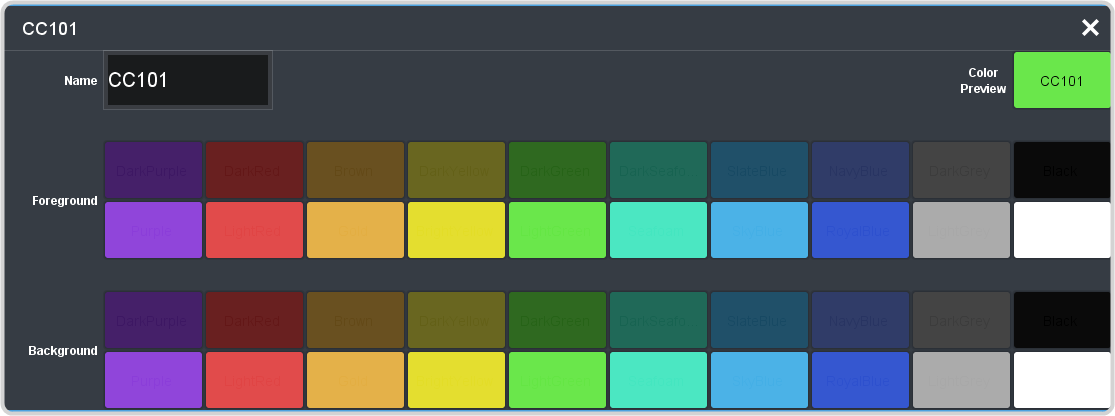
Setting Description Name Enter a new name for the selected custom control. Foreground Click a Foreground button to select the color you want to apply to the text on the mnemonic. Background Click a Background button to select the color you want to apply to the background on the mnemonic.