Find Blacklisted Content in Your Stories
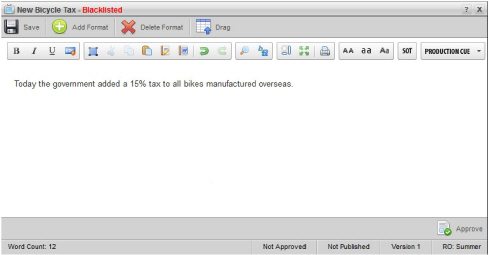
Inception compares all of the words in a story against the blacklist to identify inappropriate content that you should not publish. When you save or open a story in the Story Editor that contains blacklisted content, Inception adds a red Blacklisted label to the story name. Inceptions still saves the story even though it contains blacklisted content.
Figure 1.1 Story Containing Blacklisted Content
In an Inception Server configured to prevent the approval of stories that contain blacklisted content, an alert reports the blacklisted content in the story when you approve the story. Inception does not approve stories for publishing that contain blacklisted content.
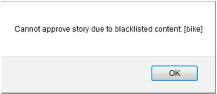
Figure 1.2 Approval Alert for Blacklisted Content
You must remove all blacklisted content from a story before you can approve the story.